5.0 out of 5
I curate Unsplash collections for blog posts and this extension lets me batch-download entire collections in seconds instead of clicking through the download modal 50+ times.
Sophie Andersen
2025-02-24
Unsplash has incredible free photos, but downloading them is tedious. Search, find a great shot, click it, wait...
Unsplash has incredible free photos, but downloading them is tedious. Search, find a great shot, click it, wait for the modal, pick a size, hit download, then repeat for every image. Need 30 photos for a blog redesign? That's 30 rounds of clicking. Half the time you accidentally grab the smaller web preview instead of the full-resolution original. This browser extension eliminates all of that. Open any Unsplash search page, collection, or photographer portfolio, click the extension icon, and select every photo you want. They all download at maximum resolution, the same quality as the original upload (typically 4000-6000px), straight to your computer as JPEG files. The extension also tracks photographer names alongside each download for easy crediting. It remembers what you've already saved to avoid duplicates, and everything processes locally in your browser with nothing sent to outside servers. Try 3 free downloads to see how fast it is, no credit card needed.
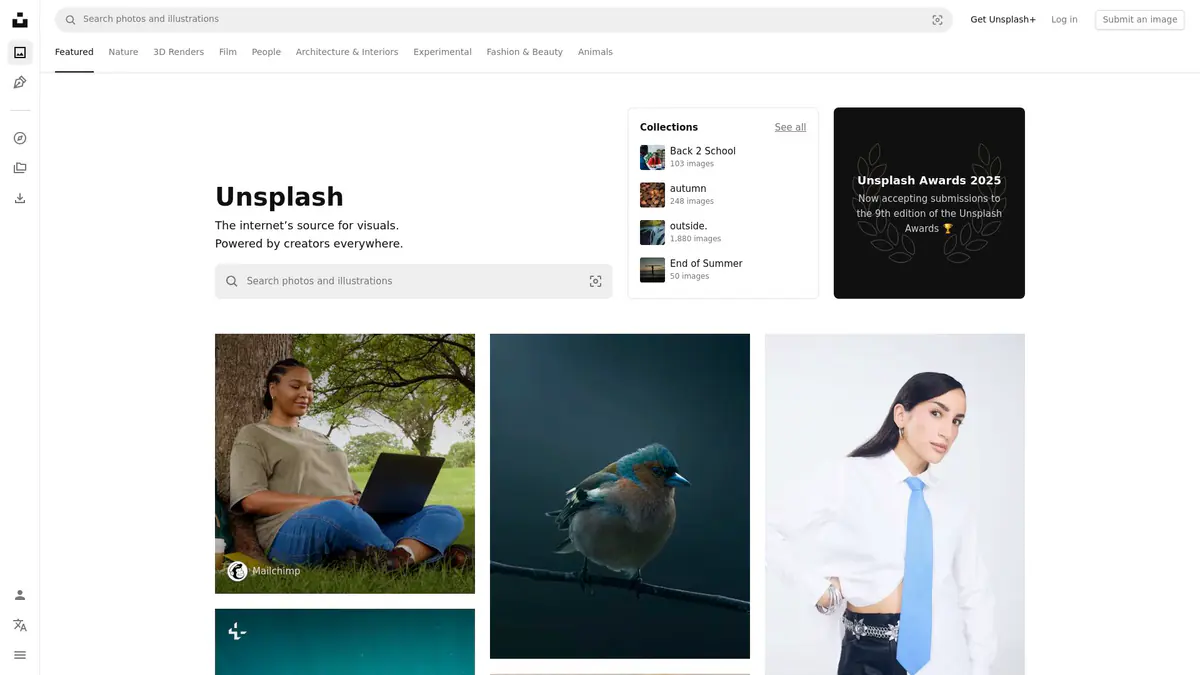

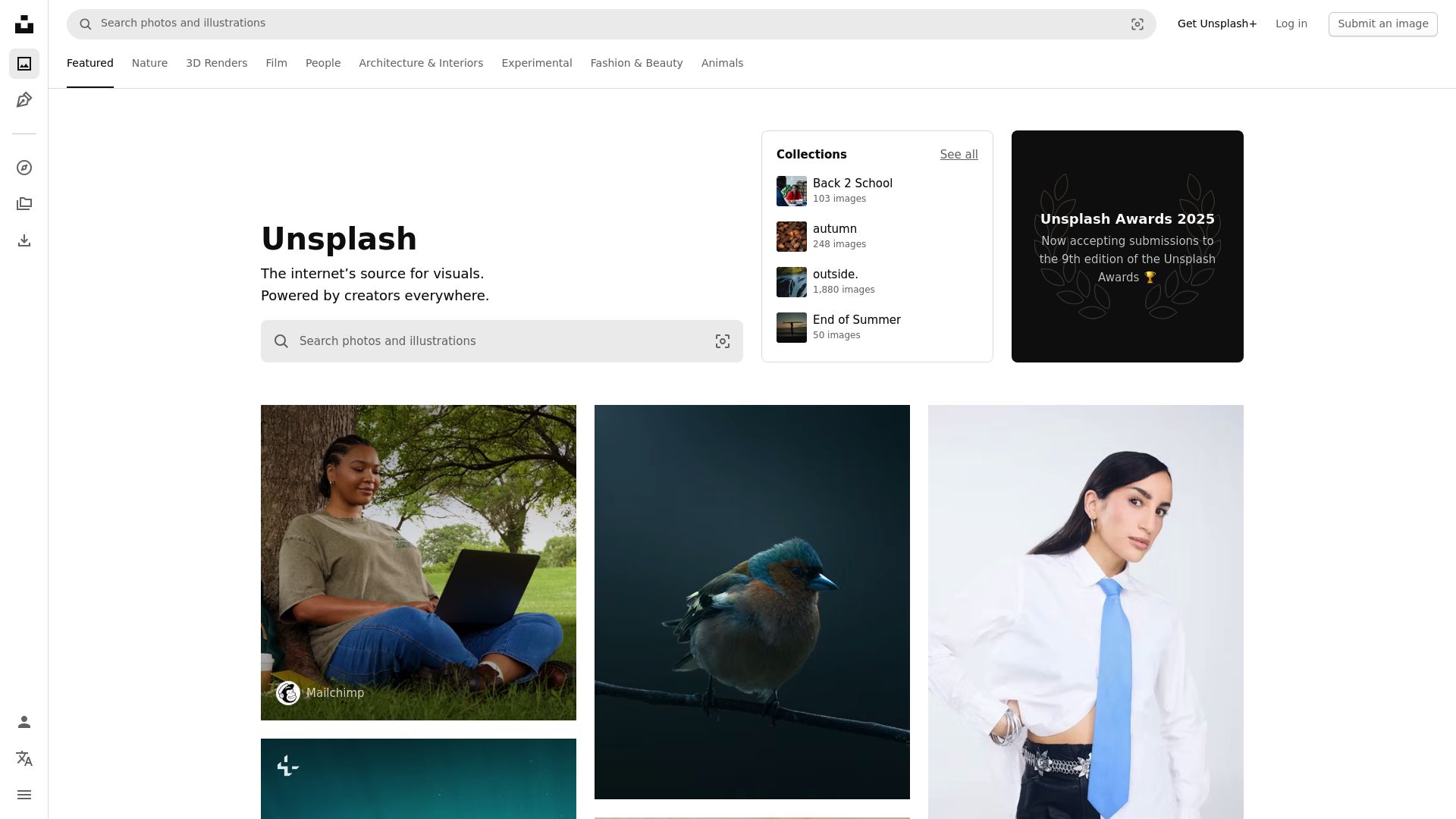
Navigate to any Unsplash search results page, collection, or photographer portfolio. Click the extension icon — it scans for available photos. Select the images you want and click Download. Files save at full resolution directly to your downloads folder.
Yes. The extension extracts the highest-resolution version available for each photo, which is typically the original upload size — often 4000-6000px on the long edge. This is the same quality you get from Unsplash's manual download button.
Yes. The extension captures photographer name and profile URL alongside each download. While the Unsplash License doesn't require attribution, it's recommended — and the extension makes it easy to track.
Yes. Open any Unsplash collection or topic page and click the extension icon. It lists all photos on the page and lets you queue them for batch download with individual progress tracking.
Yes. Unsplash photos are released under the Unsplash License which allows free use for commercial and non-commercial purposes. Attribution is appreciated but not required. This extension simply helps you download that content more efficiently.
Chrome, Edge, Firefox, Brave, and Opera on Windows, macOS, and Linux desktops. Safari and mobile browsers are not supported.
Yes. All processing happens locally in your browser. No download history, personal data, or file contents are sent to external servers.
5.0 out of 5
I curate Unsplash collections for blog posts and this extension lets me batch-download entire collections in seconds instead of clicking through the download modal 50+ times.
Sophie Andersen
2025-02-24
4.9 out of 5
The full-resolution extraction is perfect — I was accidentally getting smaller previews before. Now every Unsplash photo comes through at its original 6000px quality.
Marco Bianchi
2025-03-08
4.8 out of 5
The photographer attribution tracking is a thoughtful feature. I credit every photographer I use from Unsplash and this extension makes it effortless to track who took what.
Lakshmi Venkat
2025-01-18