5.0 out of 5
I upload my own tracks to Audiomack and needed a reliable way to keep local backups. This extension grabs the exact stream quality and keeps all my tags intact. Saved me from losing files twice already.
Darnell Washington
2025-03-04
Signal drops on the subway and the Audiomack track cuts out mid-verse. Streaming is great until you're undergrou...
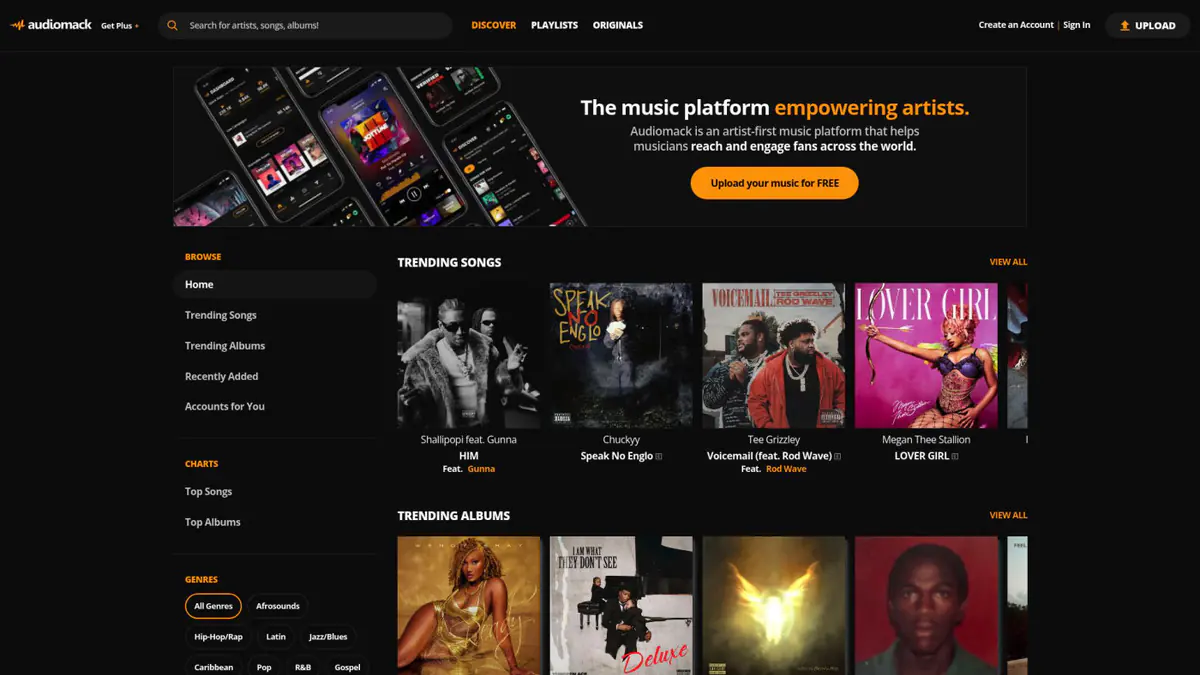
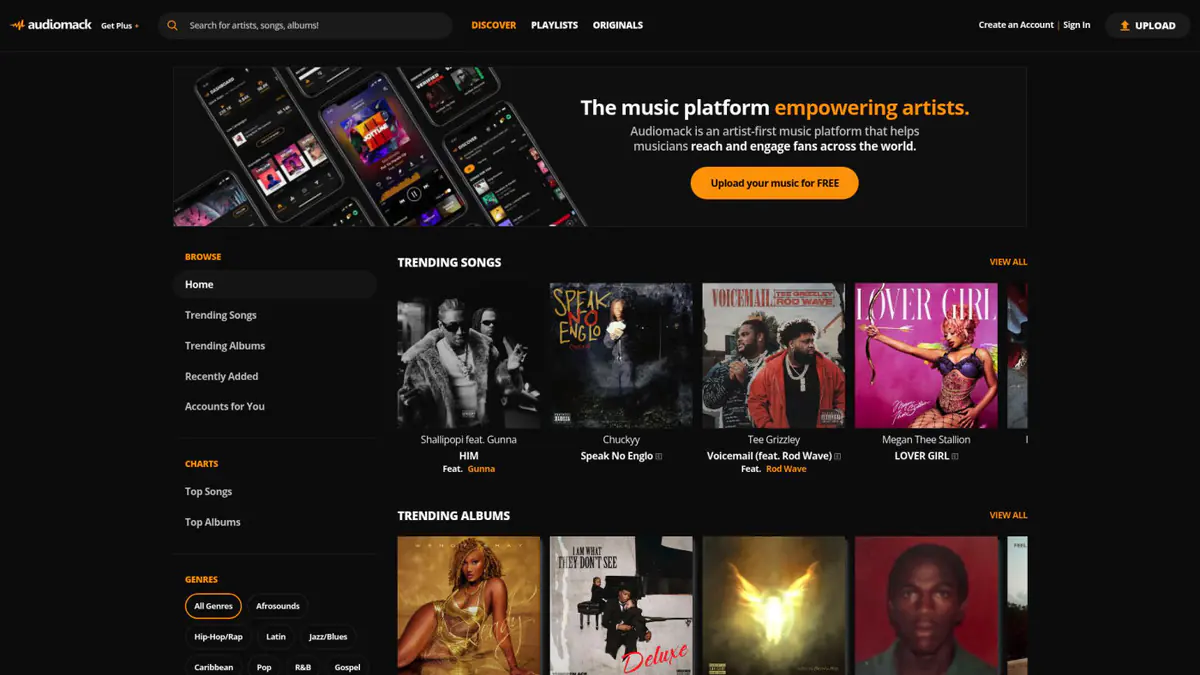
Signal drops on the subway and the Audiomack track cuts out mid-verse. Streaming is great until you're underground, on a plane, or somewhere with spotty service. There's no easy way to save Audiomack music for offline play without this extension. Browse Audiomack like normal, and a download button shows up on every track, album, and playlist page. One click saves the audio to your computer in the same quality you hear when streaming. Playlists with 50+ tracks? Batch mode grabs them all in one queue. Every file gets tagged with artist name, album, genre, and track number automatically, so your music library stays organized without manual renaming. Whether you're building a workout playlist, archiving your own uploads, or stacking tracks for your next DJ set, everything downloads privately inside your browser with nothing shared or uploaded anywhere. Start with 3 free downloads to try it out, no credit card needed.


Yes. Navigate to any Audiomack playlist page and the extension will detect all tracks in the list. Click the batch download button to queue every track, and they will download sequentially with the original playlist order preserved in the file metadata.
The downloader captures audio at the highest bitrate available from Audiomack's streaming CDN, typically up to 320kbps MP3 or the equivalent AAC stream. It does not re-encode or compress the audio further.
It works with publicly accessible, free-to-stream content on Audiomack. It does not bypass any DRM, paywalls, or login-restricted content.
Yes. The downloader embeds ID3 tags including artist name, album title, track number, genre, and artwork when available, so files are properly organized when imported into iTunes, foobar2000, or any other media player.
The extension operates through your browser and respects standard rate limits. It does not interact with your Audiomack account credentials or modify your account in any way.
5.0 out of 5
I upload my own tracks to Audiomack and needed a reliable way to keep local backups. This extension grabs the exact stream quality and keeps all my tags intact. Saved me from losing files twice already.
Darnell Washington
2025-03-04
4.9 out of 5
As a DJ I build offline crates from Audiomack playlists. The batch feature downloads 50+ tracks without babysitting and the metadata stays clean so Rekordbox reads everything correctly.
Keisha Brooks
2025-02-05
4.8 out of 5
I commute underground where there's no signal. Being able to grab whole Audiomack playlists to my phone's storage means I always have music. Quality sounds identical to streaming.
Tomás Herrera
2025-03-06