5.0 out of 5
I use Pixabay for blog post images and was tired of the CAPTCHA prompts on every download. This extension lets me batch-pull 20+ images from search results in seconds.
Lena Bergstrom
2025-02-16
Pixabay is a goldmine of free stock content, but downloading from it is surprisingly frustrating. Every image ma...
Pixabay is a goldmine of free stock content, but downloading from it is surprisingly frustrating. Every image makes you pick a size from a dropdown, solve a CAPTCHA, and wait. If you need 20 or 30 images for a project, a solid chunk of your afternoon is gone. It's also easy to accidentally grab the smaller compressed version instead of the full-size original. This browser extension cuts through all of that. Open any Pixabay search results page or contributor gallery, click the extension icon, and select the photos, illustrations, vectors, or videos you want. They all download at the highest available resolution with no size dialogs and no CAPTCHAs slowing you down. The extension automatically detects whether each file is a photo, vector, or video and saves it in the right format. It also tracks what you've already downloaded so you don't waste time pulling the same asset twice. Everything happens locally in your browser with no data sent anywhere. Try 3 free downloads to see how much faster it is, no credit card needed.
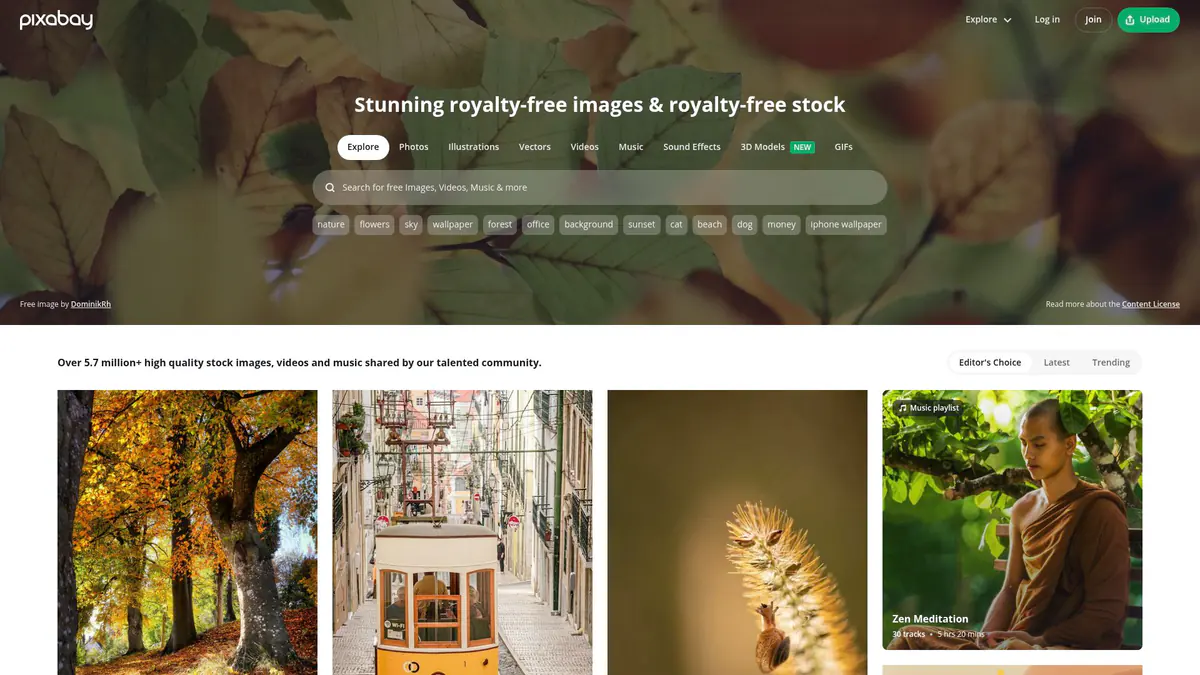
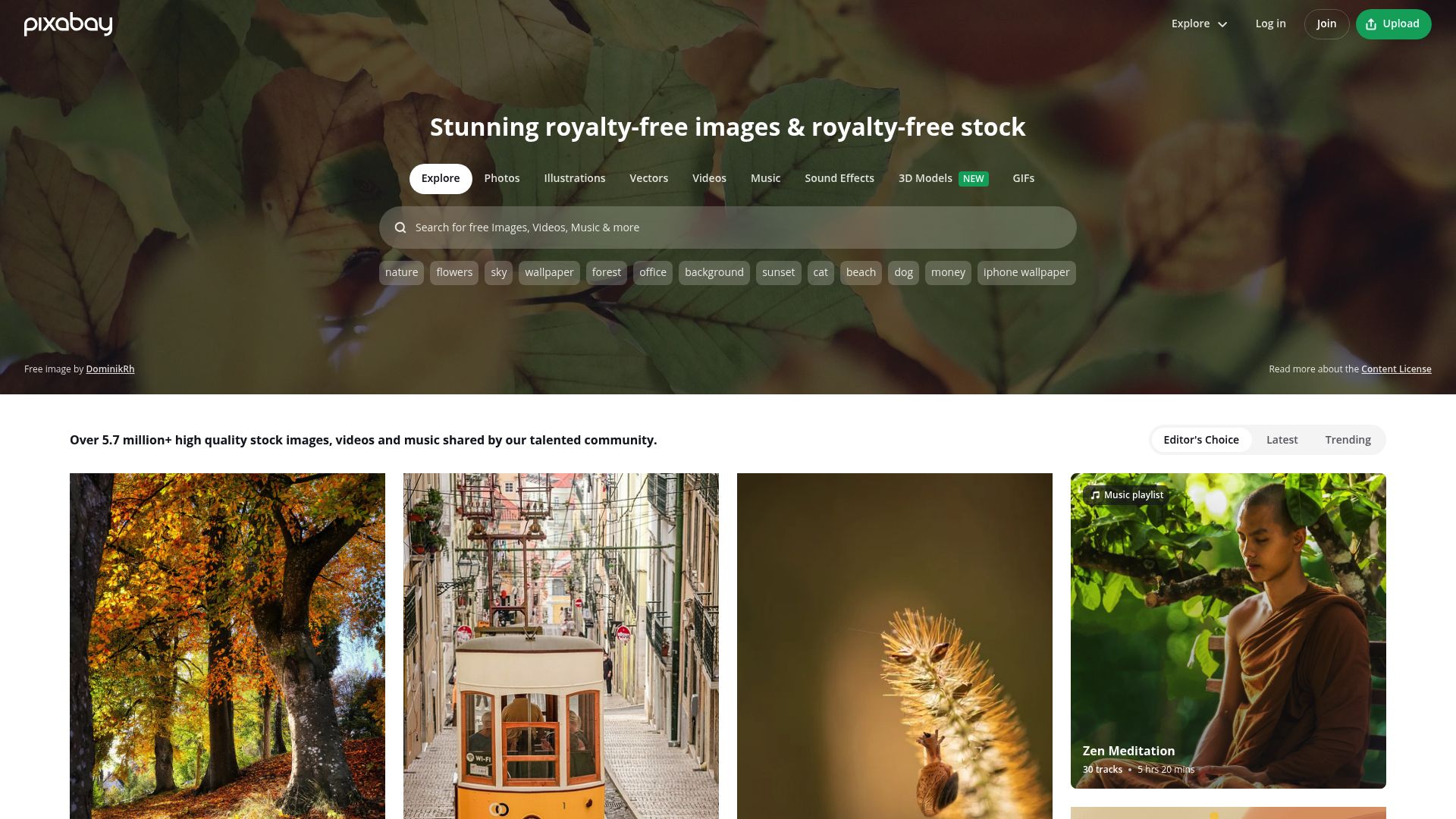
Navigate to any Pixabay search results page, collection, or contributor gallery. Click the extension icon — it scans for available assets. Select the files you want and click Download. Files save at full resolution directly to your downloads folder, skipping the usual size-selection dialog.
Yes. The extension extracts the highest-resolution version available for each asset, which is the same quality you would get by manually selecting the largest size option on Pixabay's download dialog.
Yes. The extension detects photos, illustrations, vectors, and videos on Pixabay pages. Videos download as MP4, vectors as SVG, and images as JPEG or PNG — all at their maximum available resolution.
Yes. The extension captures and stores contributor attribution data alongside your downloads so you can properly credit photographers and artists as recommended by Pixabay's Content License.
Pixabay content is released under the Pixabay Content License, which allows free use for commercial and non-commercial purposes without attribution (though attribution is appreciated). The extension simply helps you download that content more efficiently.
Chrome, Edge, Firefox, Brave, and Opera on Windows, macOS, and Linux desktops. Safari and mobile browsers are not supported.
Yes. All processing happens locally in your browser. No download history, personal data, or file contents are sent to external servers.
5.0 out of 5
I use Pixabay for blog post images and was tired of the CAPTCHA prompts on every download. This extension lets me batch-pull 20+ images from search results in seconds.
Lena Bergstrom
2025-02-16
4.9 out of 5
The full-resolution extraction is the key feature. I always got the smaller size by accident on Pixabay's dialog — now I get max quality automatically every time.
Darius Cole
2025-03-09
4.8 out of 5
I pull Pixabay vectors for social media designs and the SVG downloads are clean and ready for Illustrator. The batch queue makes building asset libraries effortless.
Preethi Rajan
2025-01-21