5.0 out of 5
I pull Freepik vectors for social media templates daily and this extension cut my download time from 30 minutes to under 5. The batch queue from search results is incredible.
Isabella Moretti
2025-02-22
Regular Freepik users know the drill: find a great vector, click download, wait, confirm, save. Repeat 25 more t...
Regular Freepik users know the drill: find a great vector, click download, wait, confirm, save. Repeat 25 more times for the rest of the assets needed for the current project. Between the repetitive clicks and the occasional download limit interruption, building a local asset library from Freepik takes far longer than it should. This browser extension turns that into a one-step process. Open any Freepik search results page or your favorites list, click the extension icon, and select everything you need. Vectors download as EPS or SVG, mockups as PSD, photos as JPEG, all in their original quality with the file names preserved so organizing by project is effortless. The extension respects your account's access level (free or premium) and tracks previously downloaded files to avoid duplicates. Everything processes locally in your browser. Your account info and files stay on your machine. Try 3 free downloads to see the difference, no credit card needed.
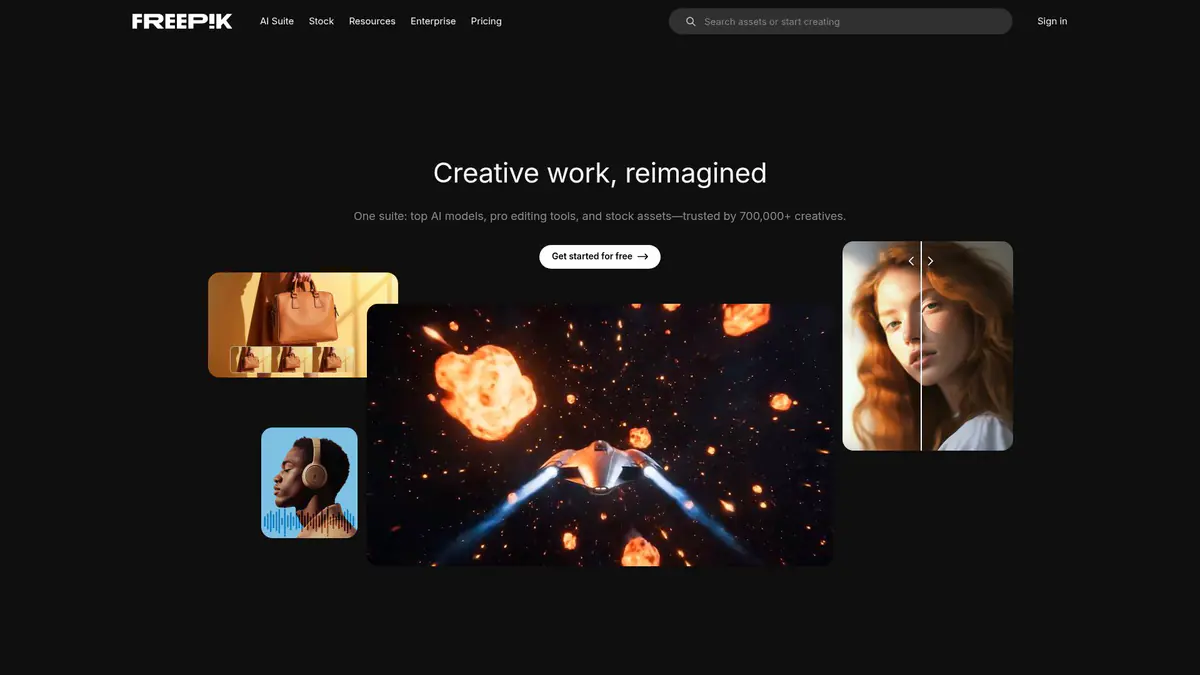
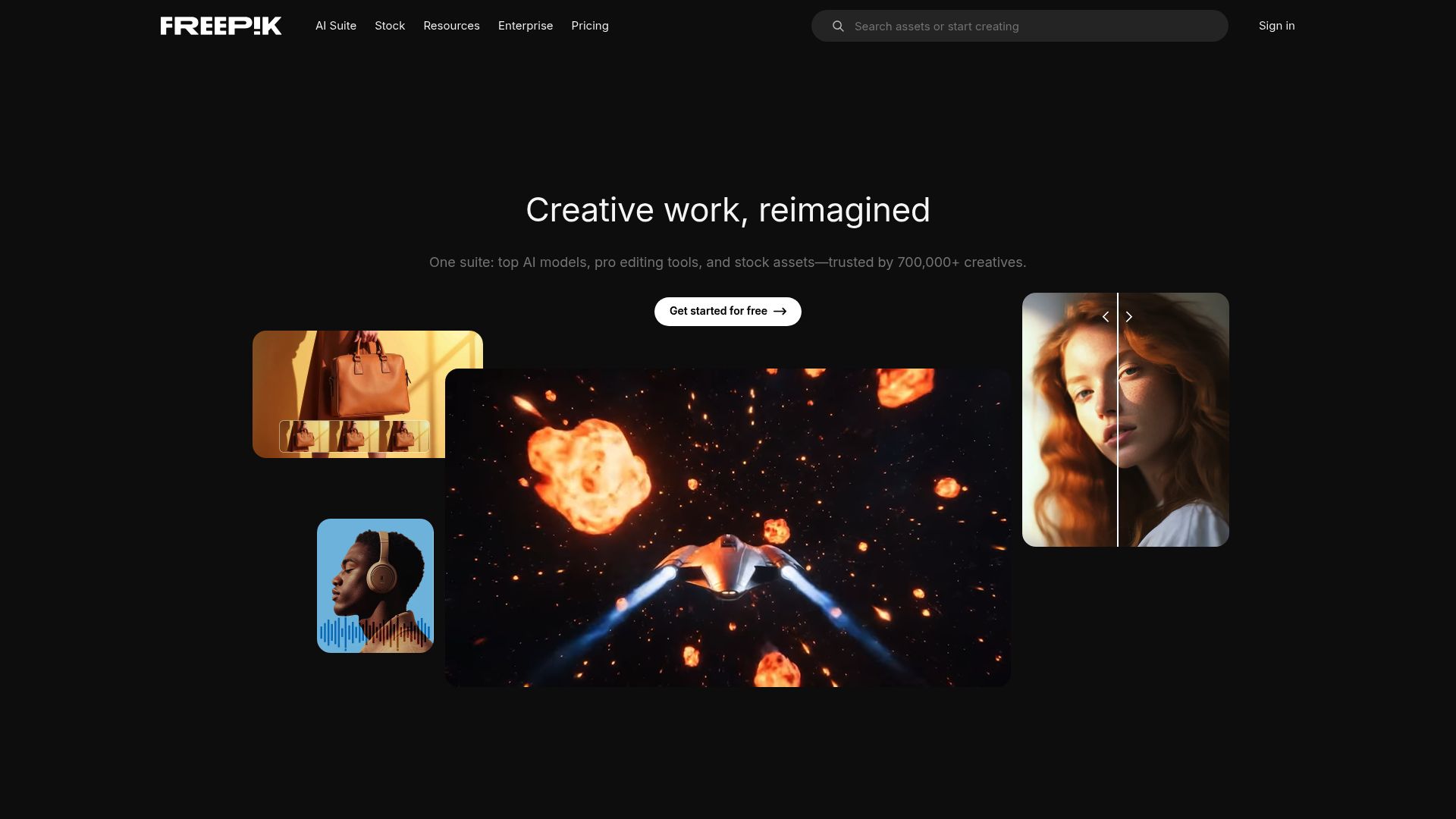
Navigate to any Freepik search results page, favorites list, or individual resource page. Click the extension icon — it scans for downloadable assets. Select the files you want and click Download. Files save in their original format (SVG, EPS, PSD, etc.) to your downloads folder.
Yes. The extension downloads any resources you can access with your Freepik account — both free (with attribution) and premium (with subscription). It does not bypass premium-only restrictions for free accounts.
The extension preserves the original file format from Freepik — SVG, EPS, and AI for vectors, PSD for mockups, JPEG and PNG for photos, and ZIP archives containing multiple format options.
Yes. Open any Freepik search results page and click the extension icon. It lists all resources on the page and lets you select which ones to queue for batch download with individual progress tracking.
No. The extension respects your account's access level and download limits. It simply streamlines the download process for content you are already authorized to access.
Chrome, Edge, Firefox, Brave, and Opera on Windows, macOS, and Linux desktops. Safari and mobile browsers are not supported.
Yes. All processing happens locally in your browser. No account credentials, download history, or file data is sent to external servers.
5.0 out of 5
I pull Freepik vectors for social media templates daily and this extension cut my download time from 30 minutes to under 5. The batch queue from search results is incredible.
Isabella Moretti
2025-02-22
4.9 out of 5
Getting PSD mockups from Freepik one at a time was painful. Now I queue up 20+ files from my favorites and they all download while I work on other things.
Devin Hartley
2025-03-10
4.8 out of 5
The file format detection is spot on — vectors come as EPS, photos as JPEG, and everything keeps its original name. Makes project organization effortless.
Amara Diallo
2025-01-28