5.0 out of 5
No matter which mirror I land on, the downloader recognises the video and saves the MP4 without any extra steps.
Gio Ramirez
2025-02-18

XNXX Video Downloader recognises videos on xnxx.com, video.xnxx.com, xnxx3.com, and other mirrors automatically,...
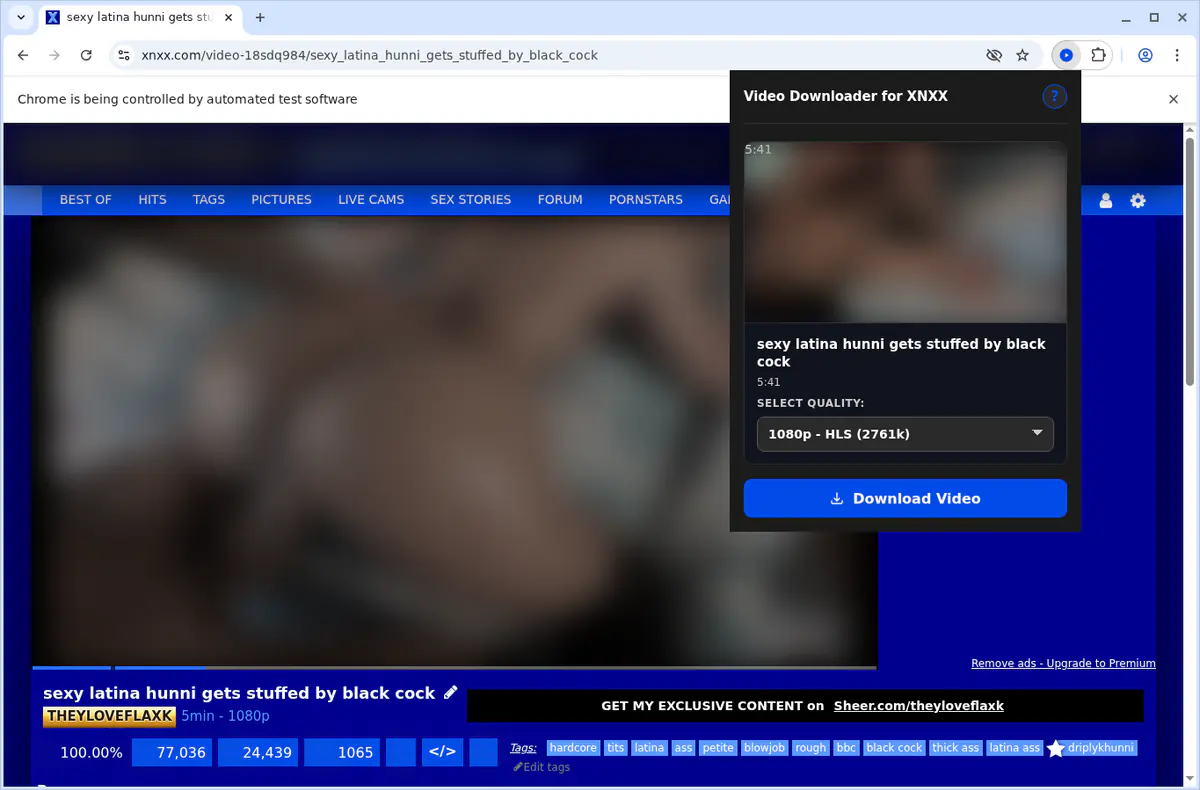
XNXX Video Downloader recognises videos on xnxx.com, video.xnxx.com, xnxx3.com, and other mirrors automatically, then gives you a clean list of MP4 qualities to choose from. Pick your resolution, follow the progress bar, and it saves the stream as a tidy MP4 for offline viewing.


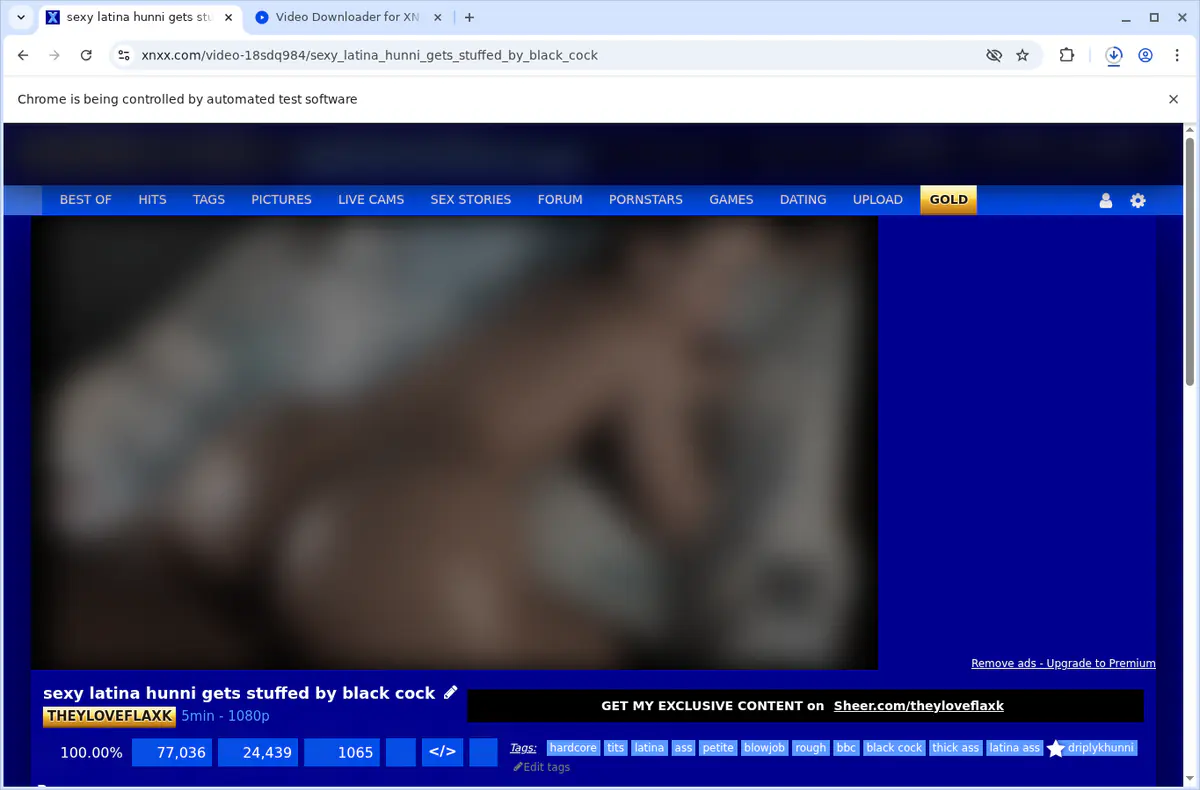
Required for downloading XNXX videos to the user's computer while tracking progress. Usage highlights: - `background-enhanced.js:60` cancels downloads through the Chrome Downloads API. - `background-enhanced.js:357` starts new downloads. - `background-enhanced.js:446, 455, 459` watch download state and progress events. - `popup.js:210` looks up downloads by ID to show progress in the popup.
Enables the extension to work with the active tab, validate XNXX pages, and gather video metadata. Usage highlights: - `chrome.tabs.query({ active: true, currentWindow: true })` provides implicit access to the focused tab. - Supports communication with content scripts running on the active tab.
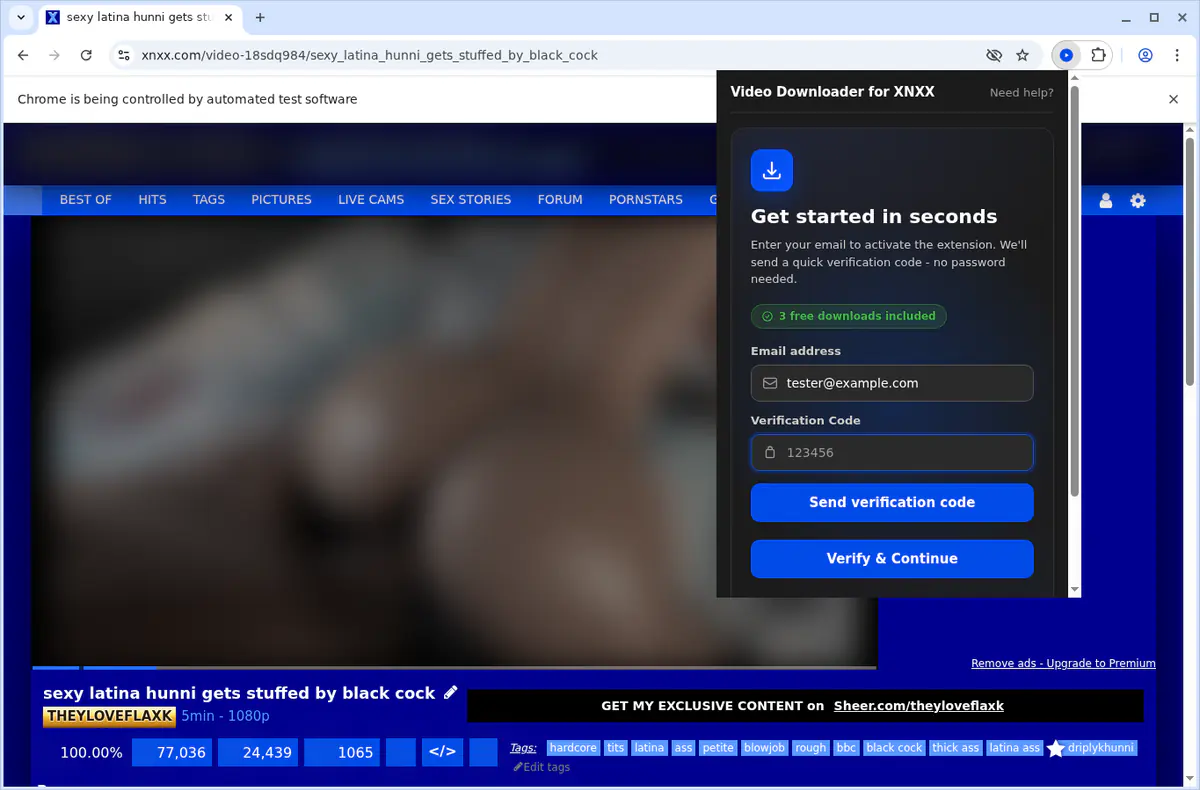
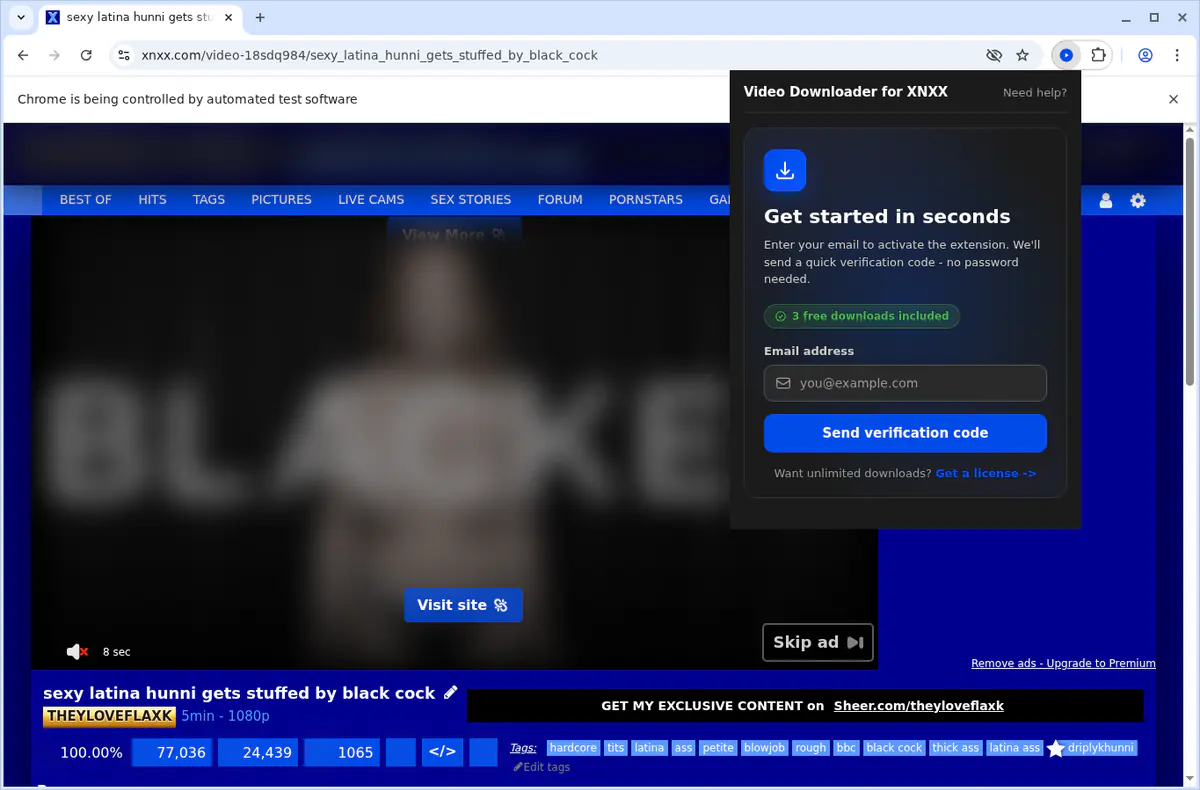
Stores activation status and license information locally so paid features remain enabled. Usage highlights: - `auth.js` `saveActivation` persists activation flags, license keys, and emails. - `auth.js` `checkActivationStatus` reloads stored activation details when the popup initializes.
Allows the extension to issue system notifications about download completion and error states. Usage highlights: - `background-enhanced.js:477` creates notifications via `chrome.notifications.create`. - Notifications inform users about finished downloads and failure scenarios.
Adds a "Download XNXX Video" item to the right-click menu on XNXX domains for quick access. Usage highlights: - `background-enhanced.js:10` registers the context menu item with `chrome.contextMenus.create`. - `background-enhanced.js:23` listens for clicks using `chrome.contextMenus.onClicked`.
Supports tab queries, messaging, and opening helper tabs to coordinate downloads. Usage highlights: - `popup.js:30, 44, 265` query tabs, communicate with content scripts, and open new tabs. - `background-enhanced.js:25, 319, 325, 493` handle tab messaging for download workflows.
Visit the video on any XNXX domain, click the downloader icon, pick the resolution you want, and wait for the progress bar to finish. The MP4 saves automatically.
Yes. The extension recognises xnxx.com, video.xnxx.com, xnxx3.com, and other mirrors without extra setup.
Downloads run one at a time so the file stays intact. Start the next video after the current one completes.
Builds are available for Chrome, Edge, Firefox, Brave, and Opera on Windows, macOS, and Linux desktops.
No. The downloader saves the original MP4 exactly as XNXX delivers it, preserving quality and any embedded overlays.
Everything runs locally. The extension only verifies your licence and never uploads browsing or download history.
5.0 out of 5
No matter which mirror I land on, the downloader recognises the video and saves the MP4 without any extra steps.
Gio Ramirez
2025-02-18
4.9 out of 5
Highest resolution is always first and file sizes help me choose quickly. Downloads finish fast too.
Kira Sato
2025-03-03
4.8 out of 5
I save favourites before they vanish. Progress stays visible and the files play perfectly offline.
Leon Briggs
2025-01-27