5.0 out of 5
I click the overlay button and the MP4 is done before the drop disappears. Perfect for travel study.
Isla Garner
2025-02-22

Whop Video Downloader adds a download button to courses, drops, and members-only pages so you can save content b...
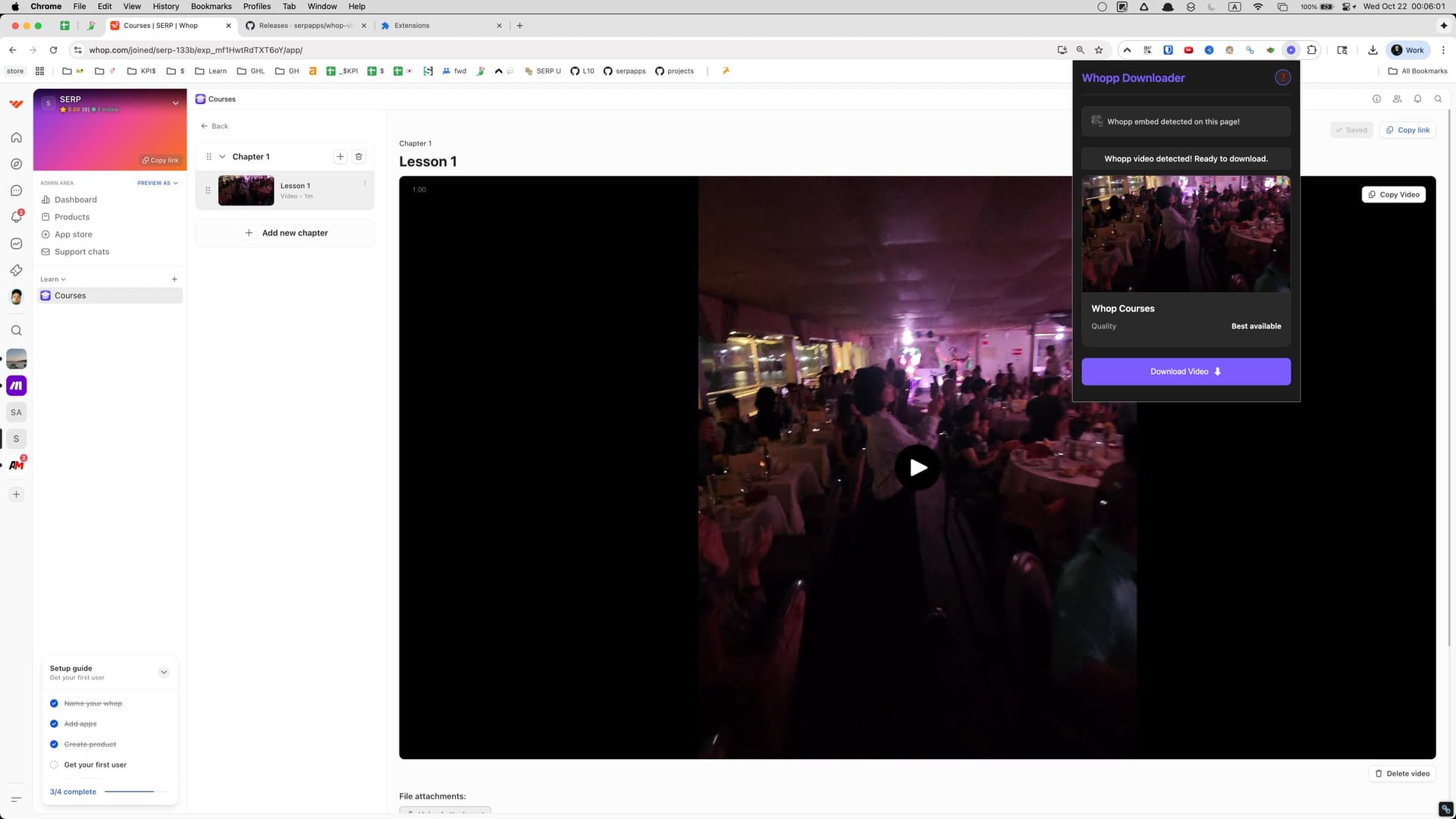
Whop Video Downloader adds a download button to courses, drops, and members-only pages so you can save content before access expires. It uses your Whop login to read the Mux stream powering each player, downloads every segment with the proper headers, and merges the video into a standard MP4 for offline study.
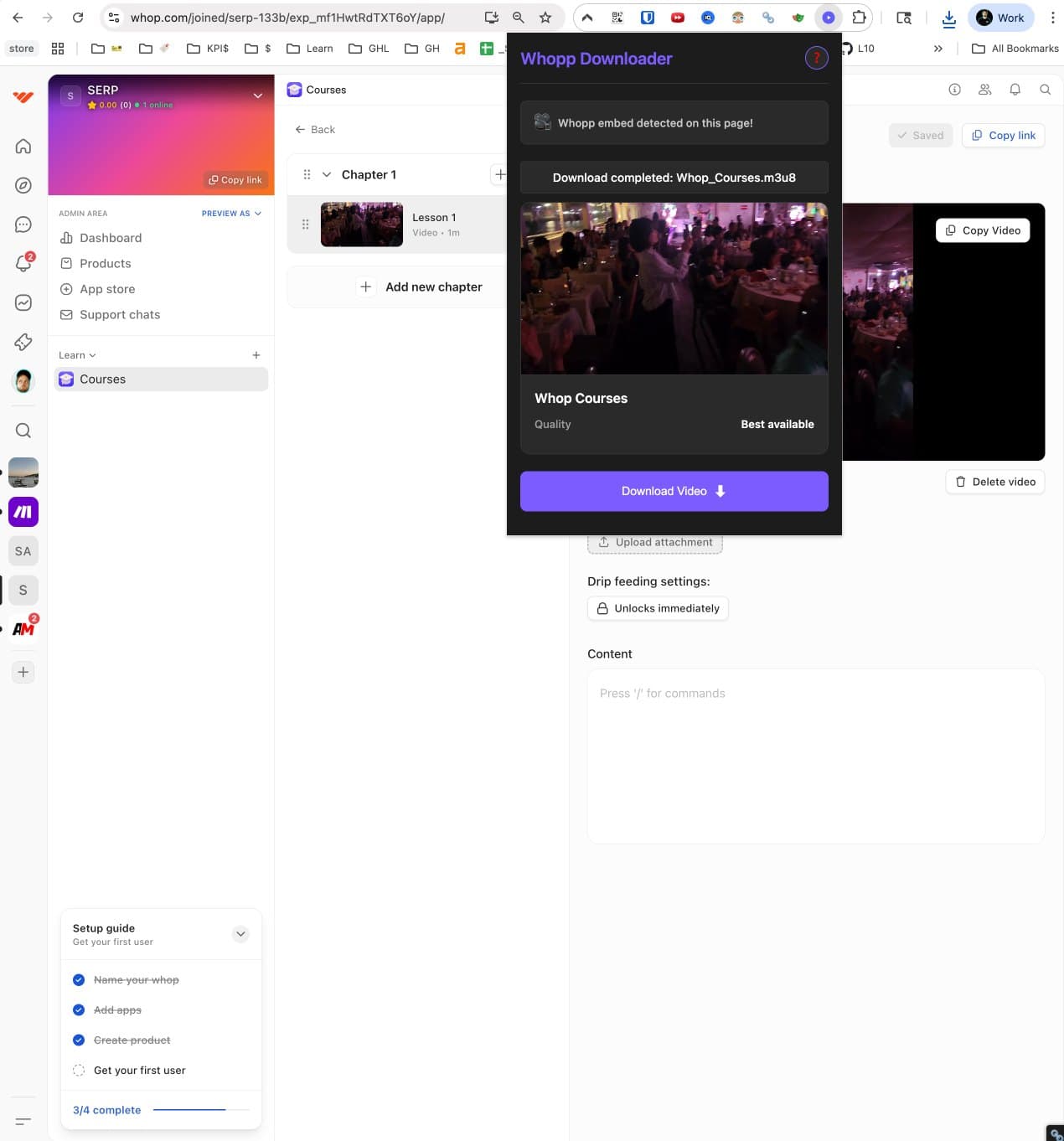
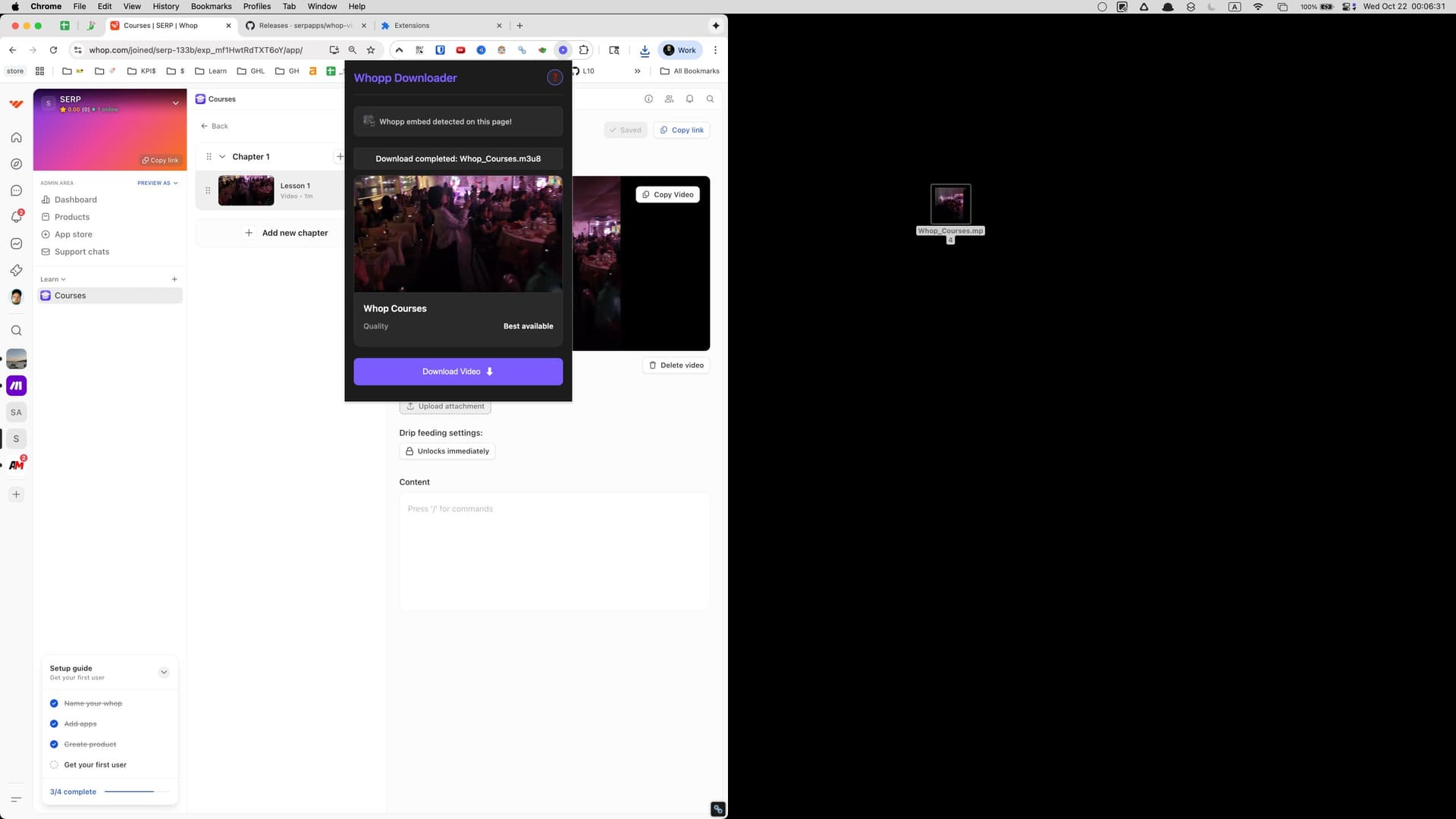
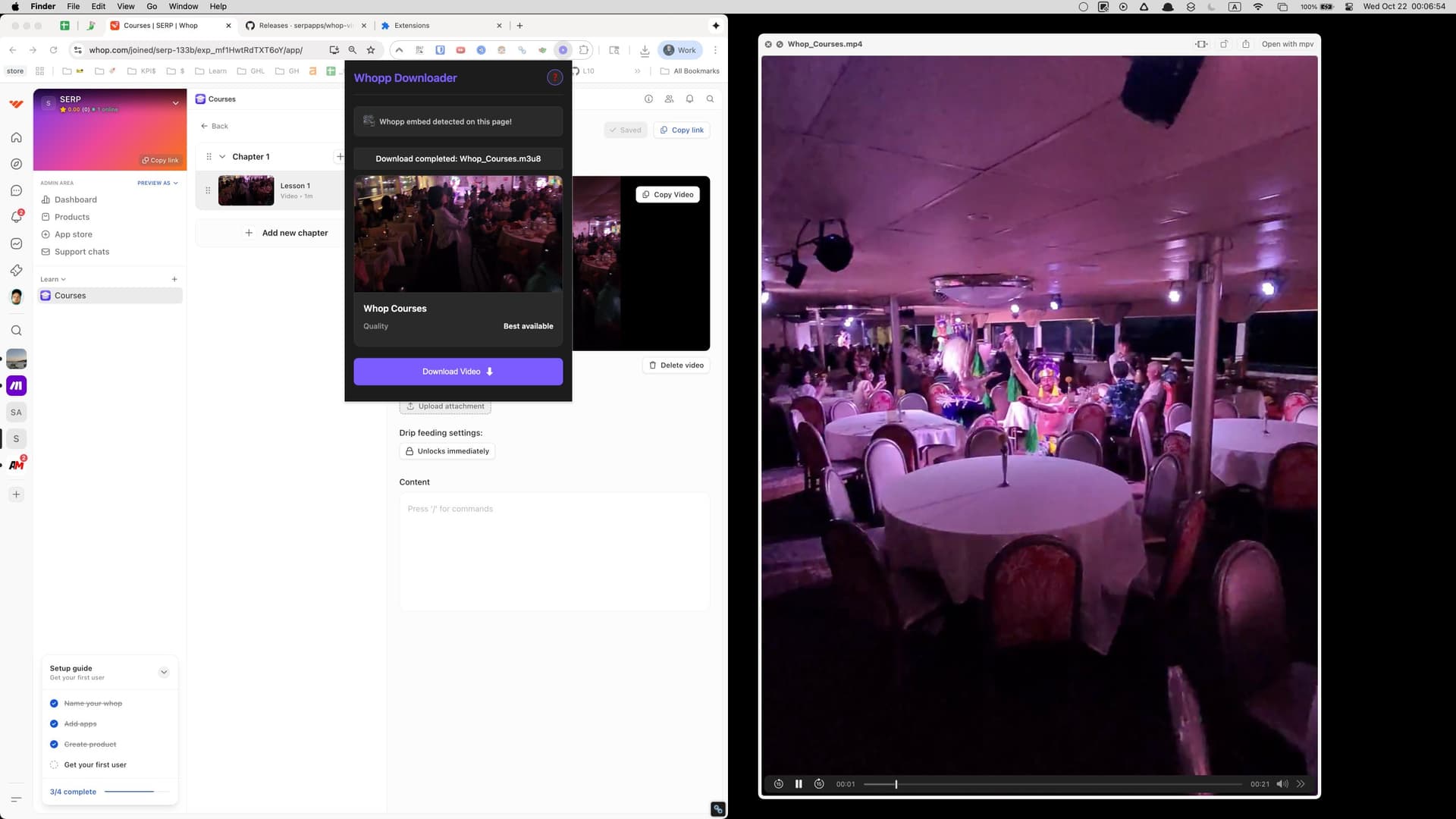
Saves the merged MP4 into your downloads folder and keeps the progress display accurate during conversion.
Stores licence activation and preferred quality locally so the downloader stays configured between sessions.
Detects Whop video players on the current tab and injects the download overlay button in the correct place.
Allows downloads to continue if you navigate between course pages and restores the status panel when you return.
Reads Whop’s player configuration, Mux manifests, and authentication headers to fetch the correct stream segments.
Sends completion or error alerts so you know when a video finishes downloading without watching the popup.
Adds a right-click “Download with Whop Video Downloader” option for quick saves from embedded players.
Merges Mux segments into MP4 files in the background, preventing the active tab from freezing during long downloads.
Limits privileged access to whop.com and Whop’s video CDN hosts so the extension only touches pages required for downloads.
Log into Whop, open the page with the video, click the on-player download button or the extension popup, choose your quality, and let the progress bar finish. The MP4 will save automatically.
Yes. The downloader uses your Whop session to authenticate, so any video you can play in your account can be saved offline.
When Whop provides multiple renditions, the popup lists them so you can pick the resolution that fits your storage and playback needs.
The tool focuses on video and audio. Download other attachments separately from Whop if you need them.
Builds are available for Chrome, Edge, Firefox, Brave, and Opera on Windows, macOS, and Linux desktops.
Yes. Keep the Whop tab open so your authentication remains active while the extension retrieves each segment and merges the MP4.
5.0 out of 5
I click the overlay button and the MP4 is done before the drop disappears. Perfect for travel study.
Isla Garner
2025-02-22
4.9 out of 5
Other tools choke on Whop’s player. This merges the segments cleanly and the progress bar keeps me in the loop.
Omari Flynn
2025-03-01
4.8 out of 5
Uses my existing Whop session, no cookie exports needed. Downloads stay private on my laptop.
Tessa Li
2025-01-29