5.0 out of 5
Clients send protected Vimeo review pages. I enter the password once and the MP4 lands ready for edit notes.
Linnea Barrett
2025-02-16

Vimeo Video Downloader makes it easy to save showcase links, client review pages, and embedded players—even when...
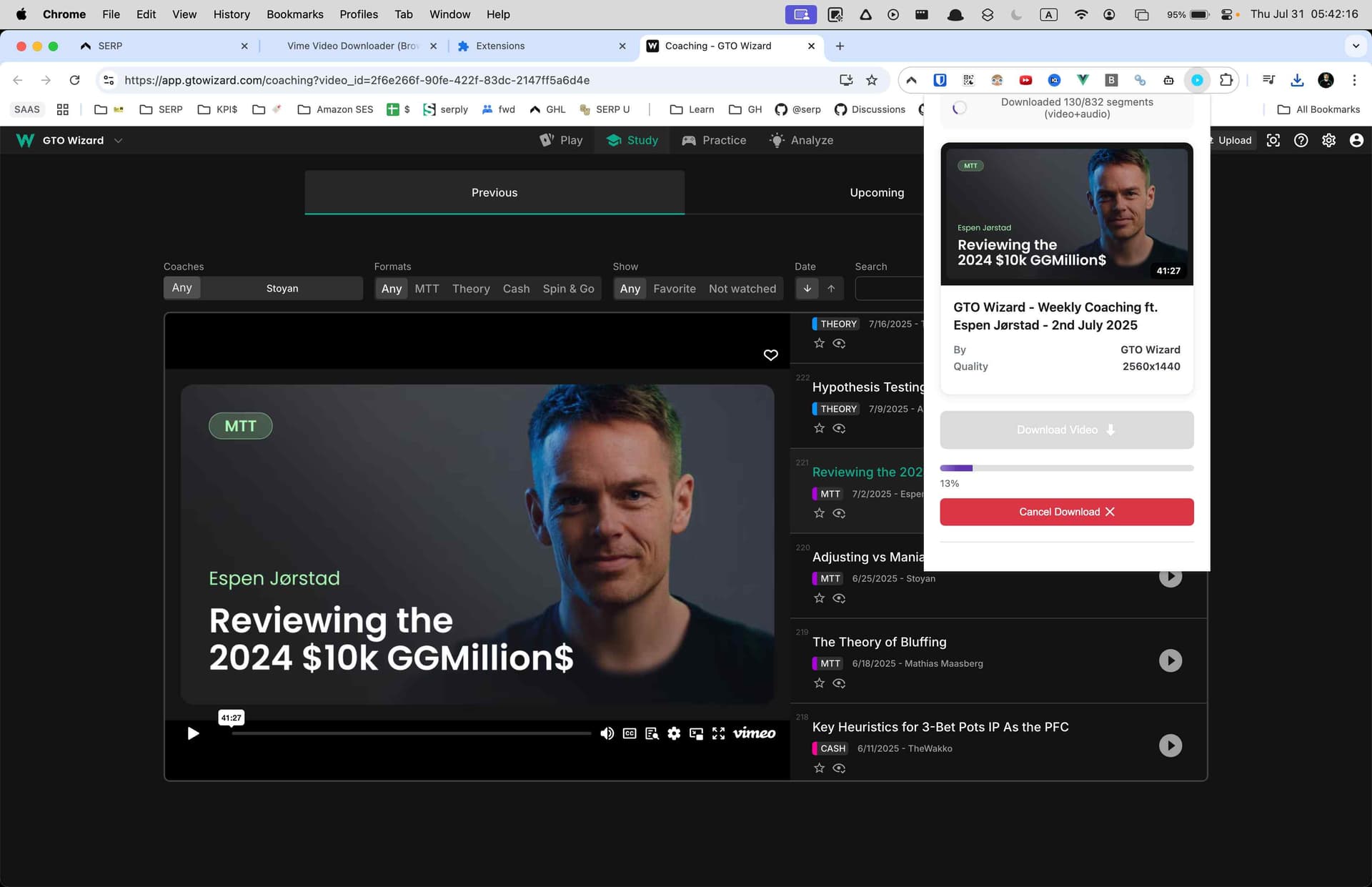
Vimeo Video Downloader makes it easy to save showcase links, client review pages, and embedded players—even when they’re protected by passwords or private share settings. Enter the password, choose the quality, and the extension downloads the stream (and merges separate audio/video when needed) into a single MP4 so you can edit or archive offline.

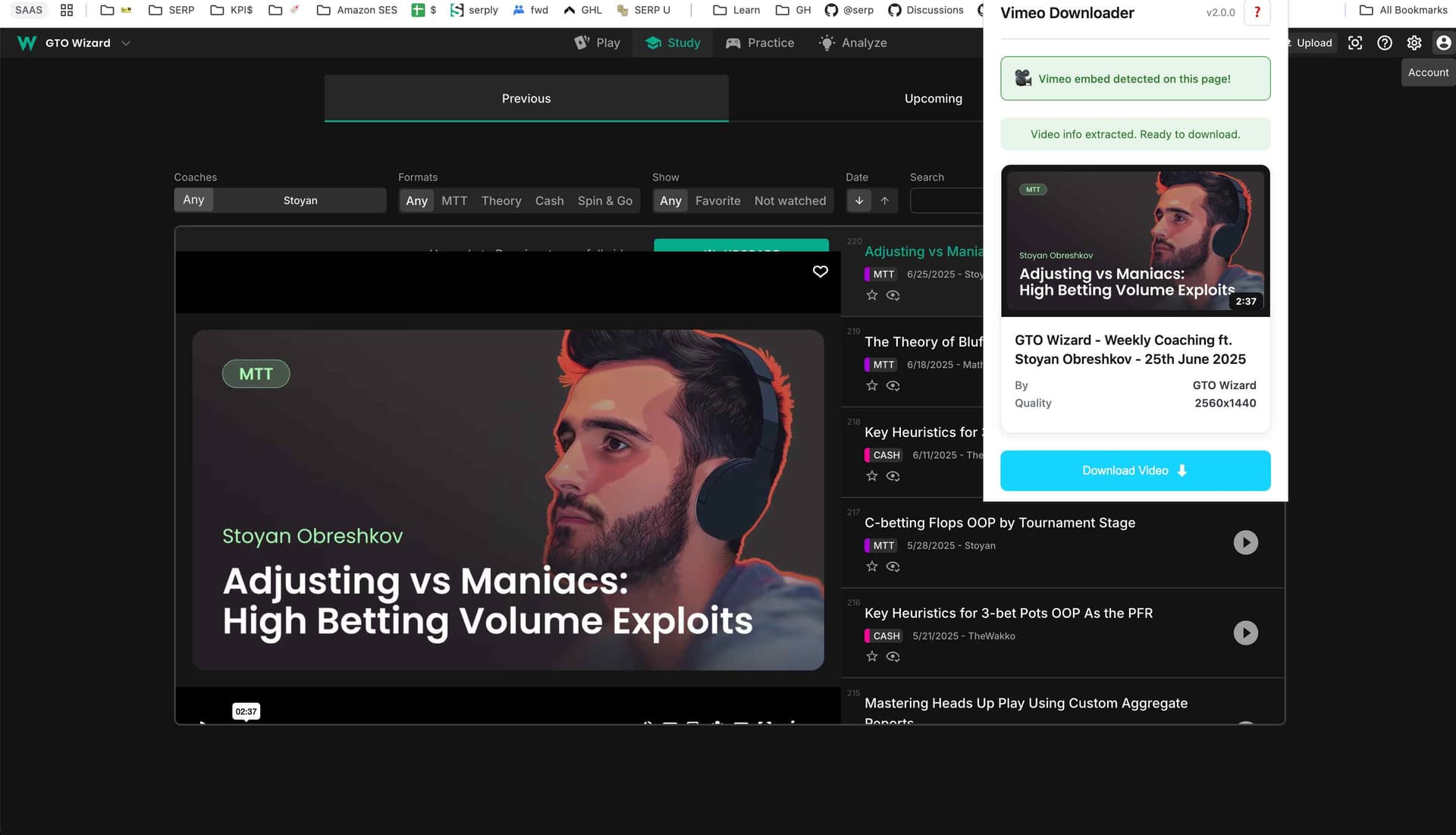
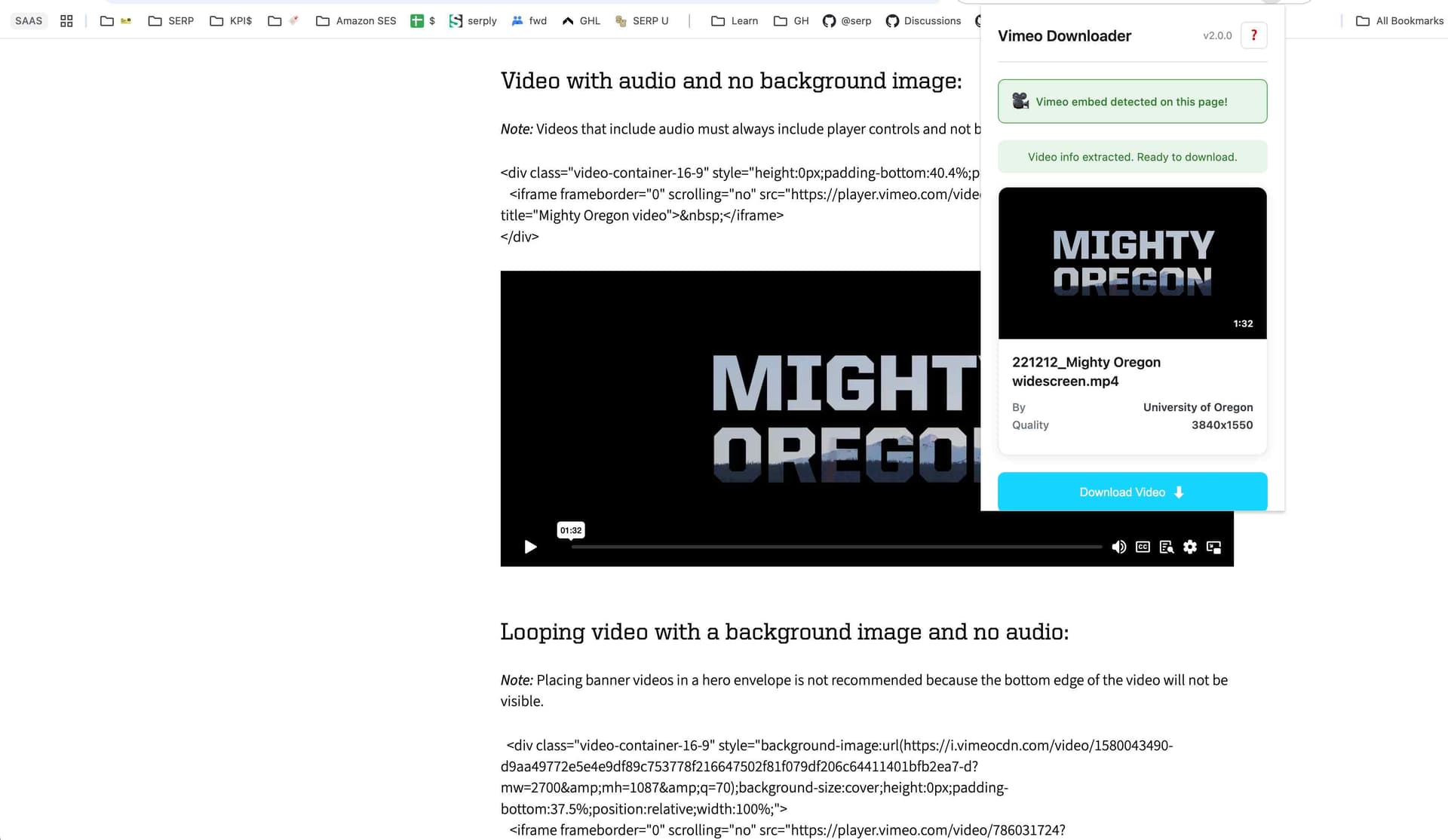
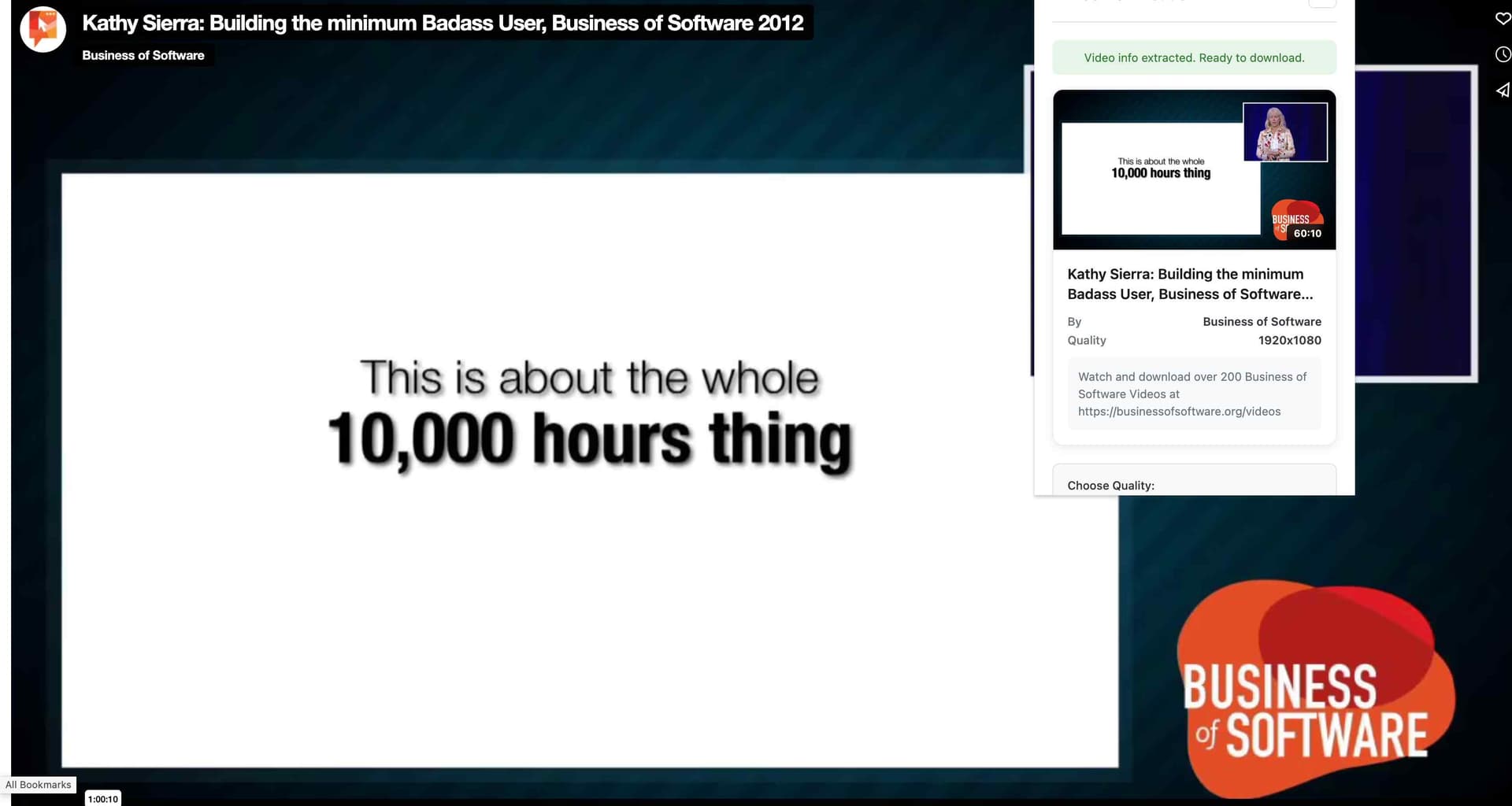

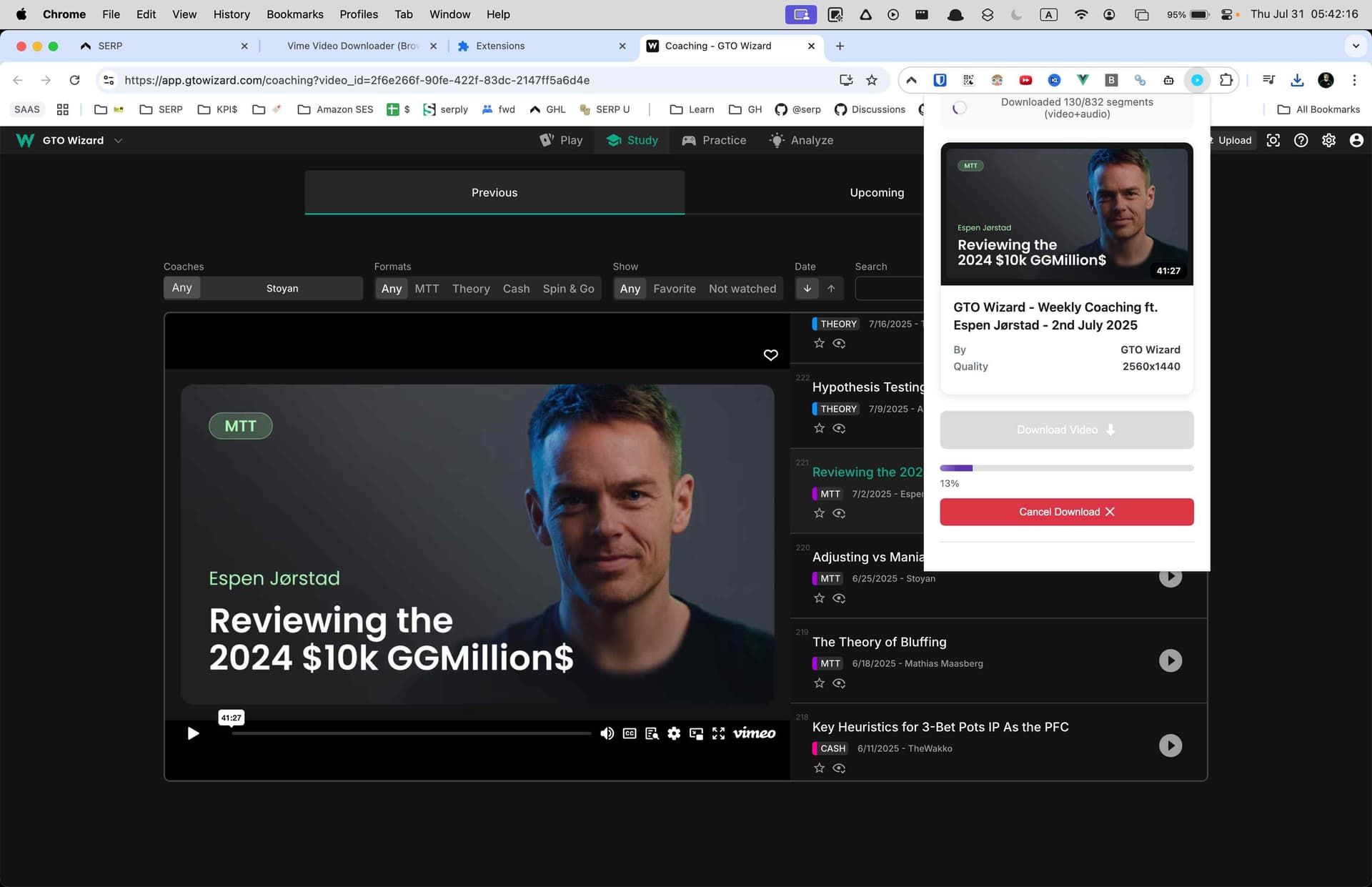

Streams the final MP4 (or merged audio/video) to your downloads folder and keeps progress accurate for each item.
Stores licence activation, password prompts, and queue preferences locally so the downloader stays configured between sessions.
Detects Vimeo players on the tab you’re viewing—whether on vimeo.com or embedded elsewhere—and injects download controls.
Monitors navigation so the extension can refresh download options as you move between videos, showcases, or embeds.
Reads video configuration data, manifests, and stream URLs from the player in order to retrieve the correct quality variants.
Sends prompts, success, and error alerts so you stay informed without watching the popup.
Adds a convenient “Download with Vimeo Video Downloader” option to the right-click menu for embedded players.
Uses your existing Vimeo session cookies to authenticate private, password-protected, or team videos directly in your browser.
Limits privileged access to vimeo.com, player.vimeo.com, and Vimeo CDN hosts so the extension only touches official endpoints required for downloading.
Open the video, click the downloader icon, enter the same password you use in the Vimeo player, choose your quality, and let the download finish. The MP4 will save automatically.
Yes, as long as you're logged into Vimeo and have permission to view the video. The extension uses your session to access the file and never bypasses permissions.
Absolutely. Whether the player lives on vimeo.com or is embedded on a client portal or portfolio site, the extension detects it and offers the same download workflow.
The extension parses HLS and DASH manifests to identify every quality variant Vimeo provides for the video. You see all available resolutions from 360p up to 4K and choose the one you need.
You can run up to three simultaneous downloads. Each shows its own progress bar so you can monitor status at a glance.
Yes. When Vimeo delivers video and audio as separate adaptive segments, the extension downloads both and merges them into a single MP4 file with synchronized playback.
The downloader focuses on video and audio. Subtitles or caption files should be saved separately from within Vimeo if you need them.
Yes. Navigate to any showcase you have access to and the extension will detect each video in the collection, letting you download them individually.
Builds are available for Chrome, Edge, Firefox, Brave, and Opera on Windows, macOS, and Linux desktops.
5.0 out of 5
Clients send protected Vimeo review pages. I enter the password once and the MP4 lands ready for edit notes.
Linnea Barrett
2025-02-16
4.9 out of 5
Our course portal embeds Vimeo players. This detects them instantly and merges audio/video perfectly.
Jamil Ortega
2025-03-03
4.8 out of 5
Three downloads at a time keeps our archive jobs moving, and progress bars make status crystal clear.
Jaya Daniels
2025-01-28