5.0 out of 5
I click the button while scrolling and the MP4 lands instantly. No copy/paste or switching sites.
Riley Maddox
2025-02-17

TikTok Downloader adds a download button directly onto videos in your For You feed, Following feed, profiles, an...
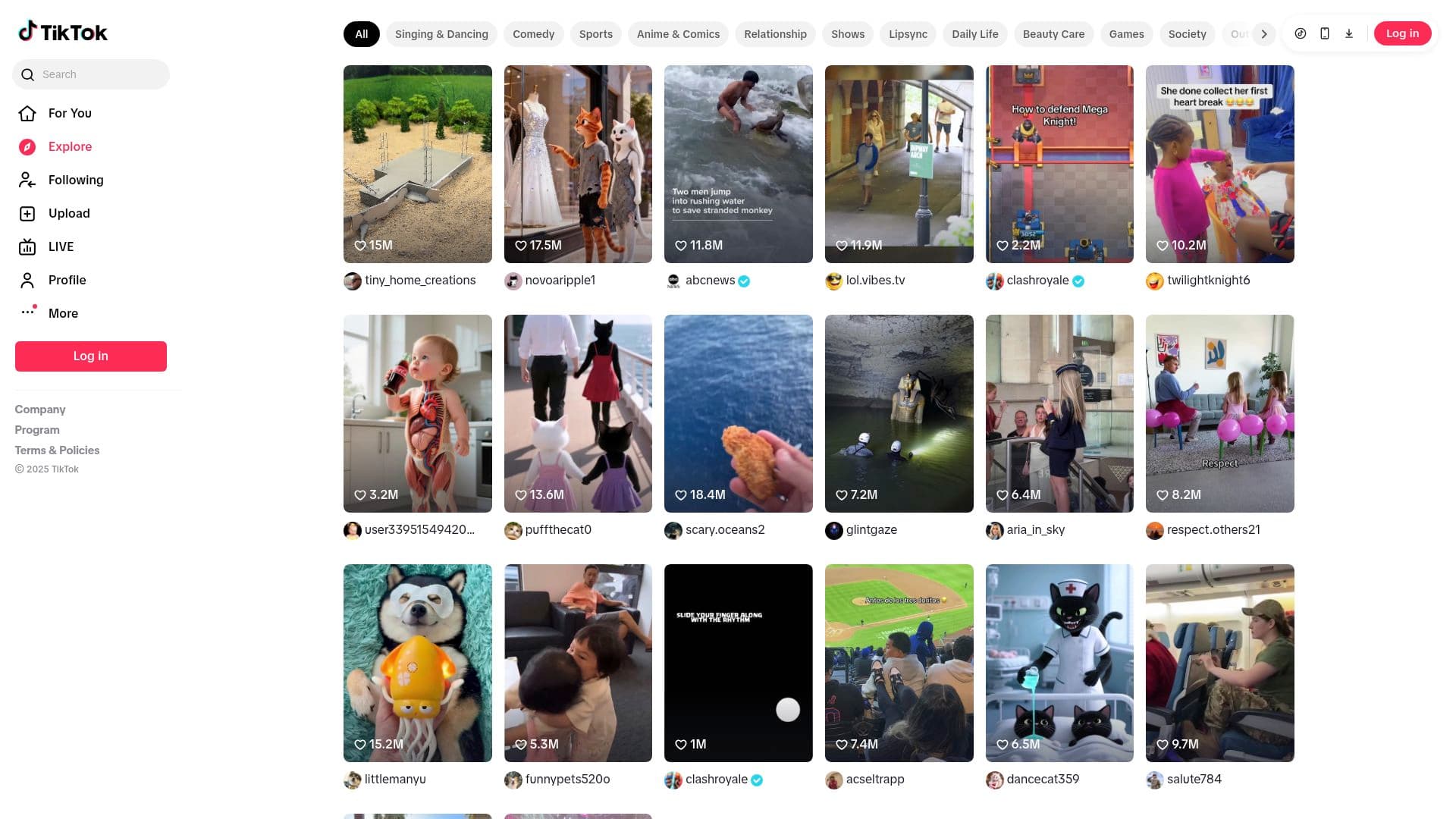
TikTok Downloader adds a download button directly onto videos in your For You feed, Following feed, profiles, and direct links. Click once and it saves the MP4 that TikTok already serves—no copying URLs, switching tabs, or risking shady sites—so you can keep inspiration, references, and deliverables offline. The extension uses your logged-in session to detect playable videos, labels what can or cannot be saved, and downloads exactly what TikTok streams (watermarks included when TikTok requires them) while you keep scrolling.
Saves each TikTok MP4 directly to your downloads folder and keeps the progress notification accurate.
Stores licence activation and preference flags locally so download buttons stay enabled between sessions.
Injects download icons into the TikTok page you are actively viewing and captures the relevant video data.
Monitors navigation between feed, profiles, and detail pages so buttons update as you browse.
Reads TikTok’s page data, detects playable videos, and retrieves the MP4 URL using your session headers.
Sends completion and error notifications so you know when a download finishes without leaving the feed.
Adds an optional right-click “Download with TikTok Downloader” menu item for direct saves from video links.
Grants access to tiktok.com and related subdomains so the extension can observe videos only on official TikTok pages.
Browse TikTok normally. When you see the download icon on a video, click it and the MP4 will save directly to your downloads folder while you keep scrolling.
The downloader saves exactly what TikTok serves. If TikTok applies a watermark, the saved video will include it.
You can only download videos you can already watch with your account. The extension uses your authenticated session and respects TikTok's access controls.
No. The extension recognises slideshows or non-video posts and indicates that they cannot be downloaded. Only standard TikTok video posts are supported.
The extension captures the same MP4 stream TikTok delivers to its web player, so you get the full quality available on the desktop site without any re-encoding.
Downloads are initiated one at a time. Click the download icon on each video you want to save as you scroll through your feed.
Files are named with the creator handle and video ID, making it easy to organize content from multiple accounts.
All detection and downloading happen locally. The extension never stores or transmits your credentials and only checks your licence status.
Builds are available for Chrome, Edge, Firefox, Brave, and Opera on Windows, macOS, and Linux desktops.
5.0 out of 5
I click the button while scrolling and the MP4 lands instantly. No copy/paste or switching sites.
Riley Maddox
2025-02-17
4.9 out of 5
Buttons show what's downloadable and respect my login. Makes collecting reference clips easy.
Amina Joseph
2025-03-02
4.8 out of 5
I grab trends as I see them and watch offline later. The extension feels like part of TikTok.
Leo Wu
2025-01-29