Onlyfans Downloader
Video Downloaders

Onlyfans Downloader

Onlyfans Downloader gives creators and teams a dependable way to save Onlyfans content instantly to your device....

5.0
out of 5
1938
users

Details

Last Updated

April 30, 2026

About

Onlyfans Downloader gives creators and teams a dependable way to save Onlyfans content instantly to your device. Instead of juggling manual captures or questionable browser extensions, it pulls content directly from Onlyfans with consistent quality and predictable results. It supports Subscriber content and media files, Photos, videos, and story content, and Batch creator profiles/posts downloads, so you can move quickly from download to delivery without tedious rework. Use it to archive Onlyfans assets, prep client deliverables, or keep your library accessible when connectivity is limited.

Key Features

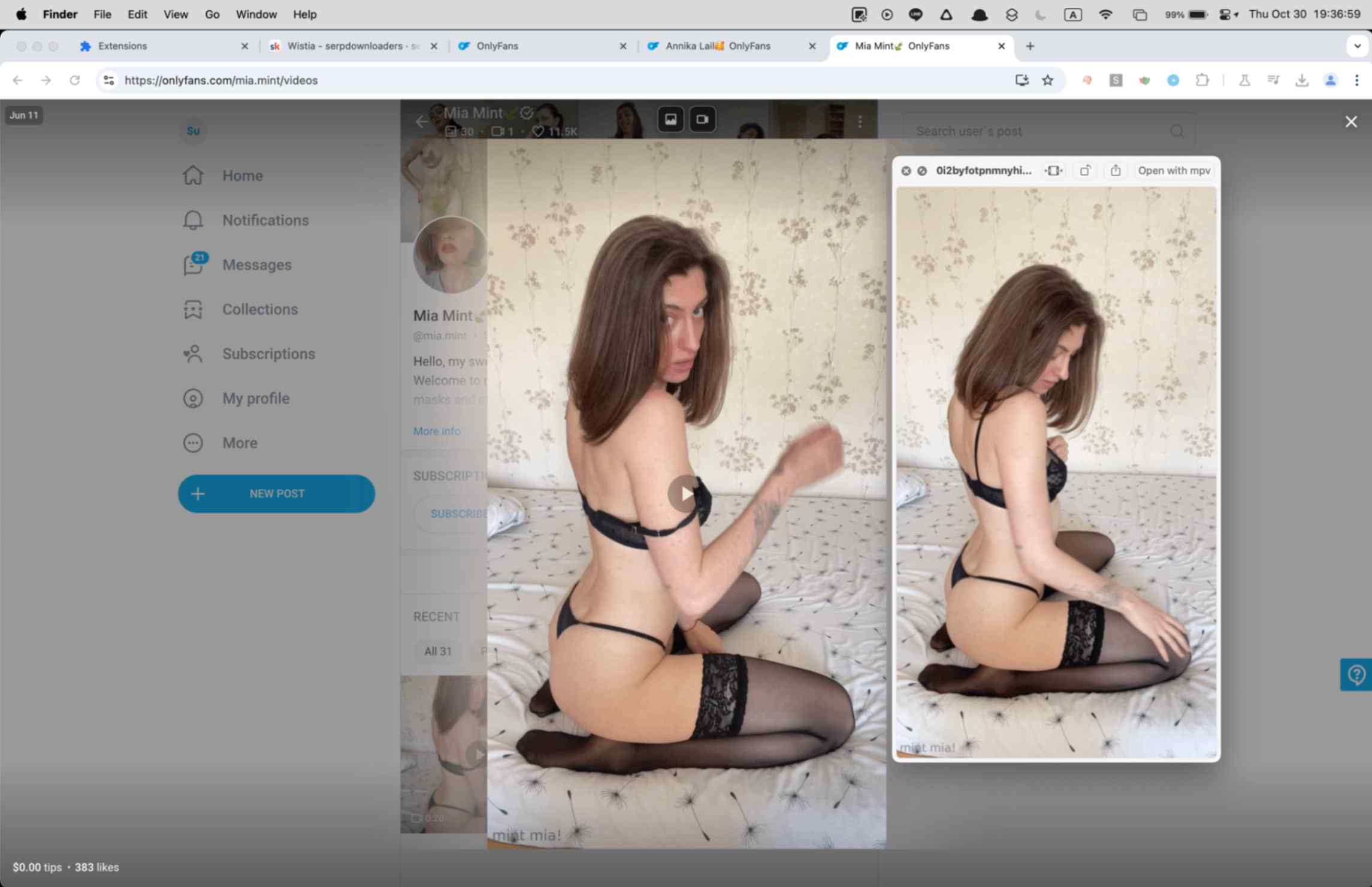
Detects videos, images, GIFs, and text posts directly on OnlyFans creator pages and media views.
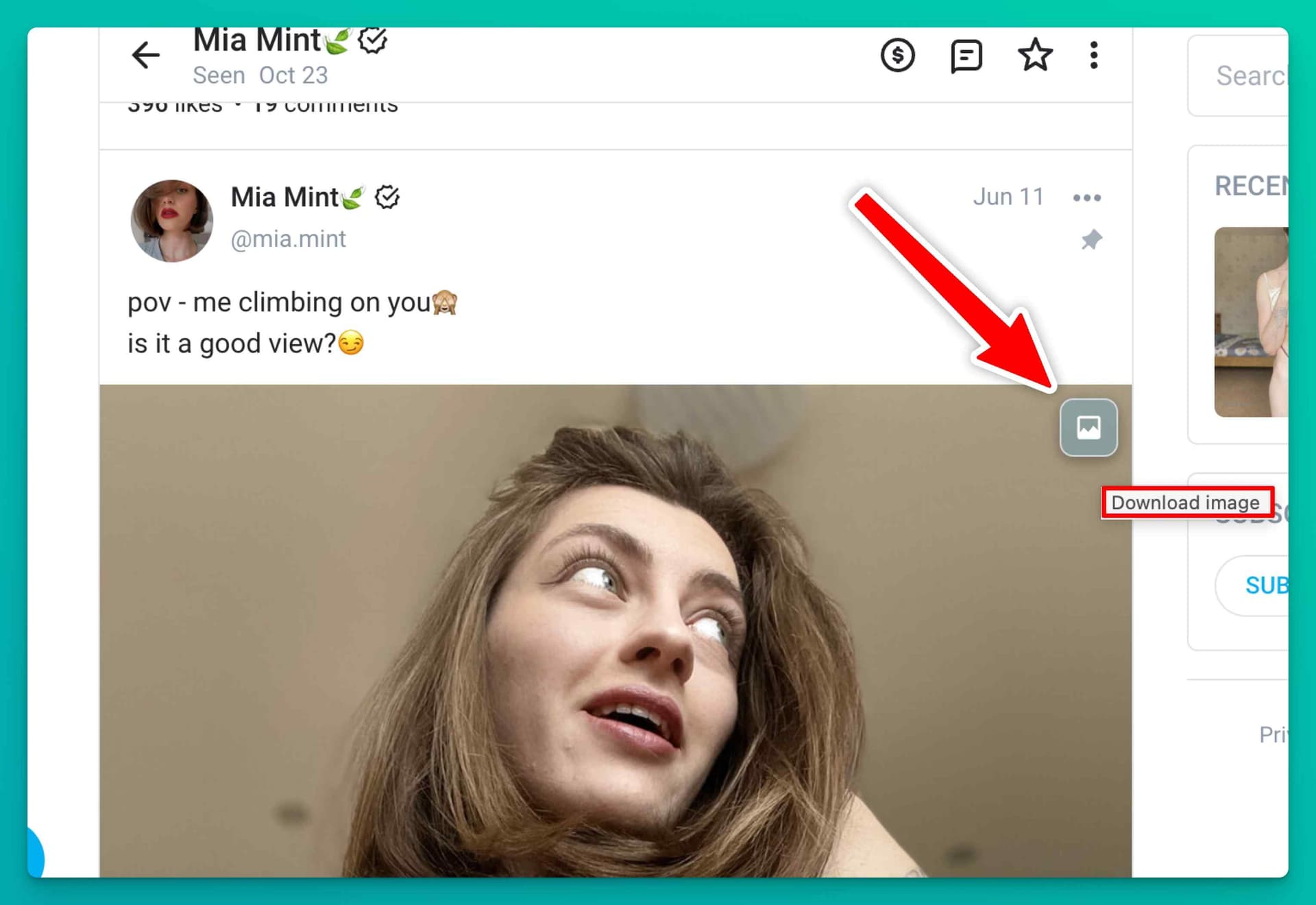
Adds in-page download overlay buttons to supported media cards so you can save individual items without copying URLs.
Bulk gallery scanner auto-scrolls through creator media pages, collects visible assets, and supports media-type filtering.
Side-panel or popup workflow organizes detected content into tabs for videos, images or GIFs, text posts, and bulk actions.
Handles OnlyFans session-aware requests and API signing natively instead of depending on brittle generic download methods.
Converts HLS video streams to MP4 locally in-browser while preserving a clean playback-friendly output format.
Saves direct MP4 variants immediately when OnlyFans exposes them, reducing processing time.
Flags DRM-protected video before download attempts so you know when a file is not supported.
Creates per-creator folder organization for videos and bulk saves to keep archives sorted automatically.
Supports File System Access API bulk saving on compatible browsers so you can choose a custom destination folder.
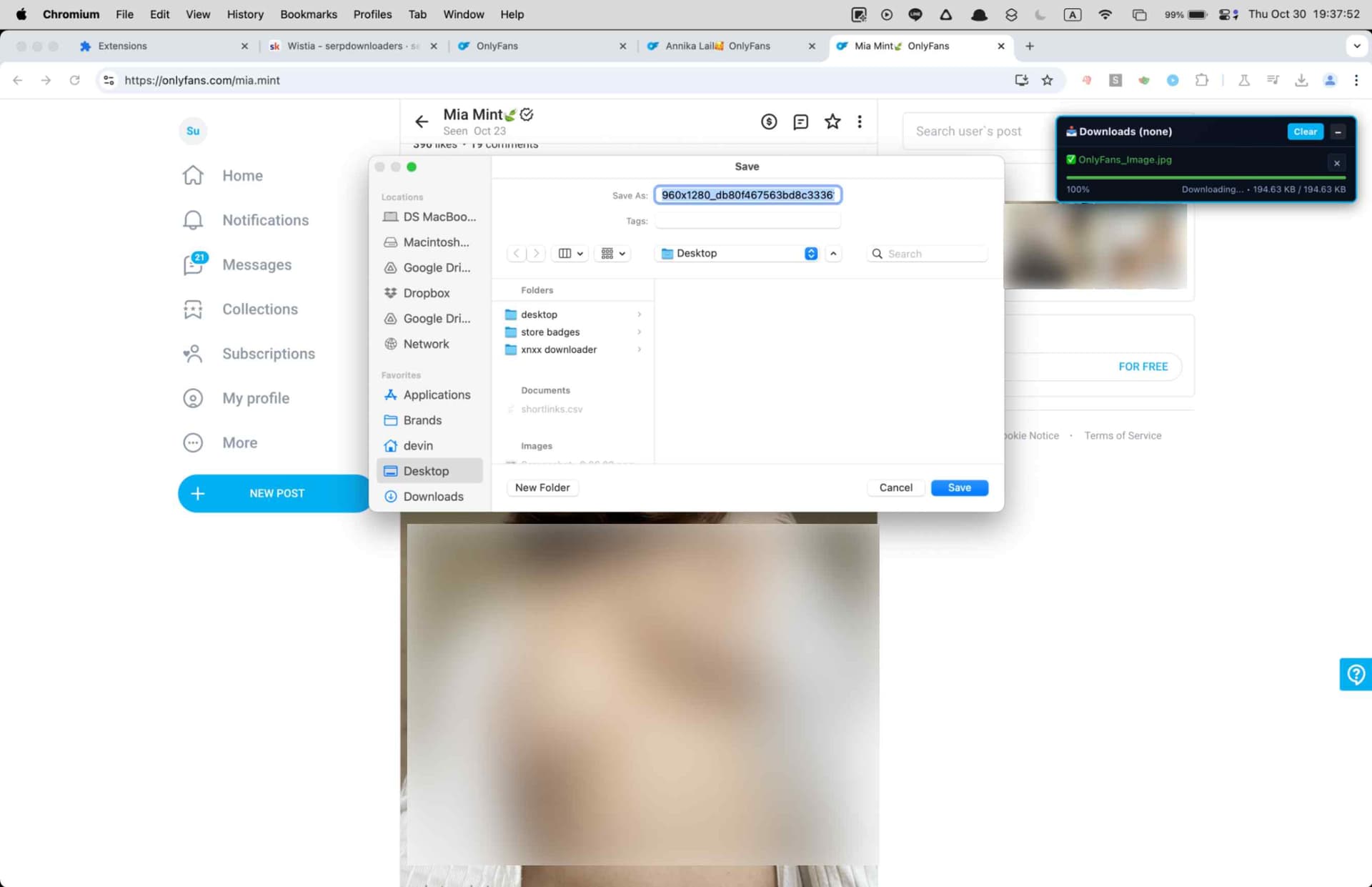
In-page download manager tracks progress, speed, queue state, and cancellation for active jobs.
Cross-browser desktop support includes Chrome, Edge, Firefox, Brave, Opera, Whale, and Yandex.
Uses secure email OTP activation and entitlement-based trial access before paid subscription use.
All detection, conversion, and saving happen locally on your device with no third-party media upload.

Screenshots

Screenshot 1
Screenshot 2
Screenshot 3
Screenshot 4
Screenshot 5
Screenshot 6
Screenshot 7
Screenshot 8
Screenshot 9
Screenshot 10

Videos

Product Videos

Compatibility

Supported Platforms

Web BrowserWindowsmacOSLinuxChromeFirefoxEdgeOperaBraveWhaleYandex

Supported Regions

Worldwide

Related Searches

Onlyfans DownloaderDownload Onlyfans VideosOnlyfans Bulk DownloaderOnlyfans Image DownloaderOnlyfans Gif DownloaderOnlyfans Text Post DownloaderSave Onlyfans Videos Mp4Onlyfans Downloader Chrome ExtensionDownload Onlyfans Creator MediaOnlyfans Content Downloader

Frequently Asked Questions

How do I download a video from OnlyFans?

Open a creator page or post on OnlyFans while logged in, hover the media item, and click the download overlay button. You can also open the extension UI to review detected assets and start the download from there.

Can I download images, GIFs, and text posts too?

Yes. The extension detects videos, images, GIFs, and text posts. Images and GIFs save in their original format, and text posts can be exported from the detected content list.

How does bulk download work?

Use the bulk tab on a creator media page to start the built-in gallery scanner. It auto-scrolls, collects visible assets, and lets you download everything or filter by media type such as photos or videos.

What quality options are available for videos?

When multiple variants are exposed, the extension lists available qualities from direct MP4 or HLS sources and prefers higher-quality options first. The exact choices depend on what the creator page and OnlyFans delivery path provide.

What format are video downloads saved in?

Supported video downloads are saved as standard MP4 files. HLS streams are converted in-browser, and direct MP4 variants are saved directly when available.

Where are my files saved?

Default saves go into your browser's Downloads directory using OnlyFans or OnlyFans/{creator} subfolders. On compatible browsers, bulk workflows can also use the File System Access API so you can choose a custom destination folder.

Why does a video show as DRM protected?

Some OnlyFans videos use DRM or encrypted delivery paths that the extension cannot save. The downloader detects those cases and flags them before a failed download attempt instead of pretending the file is supported.

Do I need to be logged in and subscribed?

Yes. You must be logged in to OnlyFans and have valid access to the creator's content in your current session. The extension does not bypass subscriptions, permissions, or restricted access.

Does this work on Firefox?

Yes. Desktop builds are available for Chrome, Edge, Firefox, Brave, Opera, Whale, and Yandex on Windows, macOS, and Linux. Safari and mobile browsers are not supported.

Why does the extension need cookies permission?

OnlyFans uses your logged-in session to authorize media requests. The cookies permission lets the extension make those authorized requests on your behalf without asking for your account password.

How does the trial work?

The product uses entitlement-gated trial access after email OTP activation. Ongoing use requires the paid subscription.

Is my data private?

Yes. Detection, conversion, and download handling run locally in your browser. Creator media is not uploaded to third-party servers.

Reviews

5.0 out of 5

The bulk scanner auto-scrolls through an entire creator page and grabs everything in one pass. Saved me hours compared to right-clicking each post.

Derek Holloway

2025-02-08

4.9 out of 5

Per-creator folders keep my archive clean and the overlay buttons make single downloads instant. Detection is way more reliable than the generic tools I tried before.

Mina Takahashi

2025-03-01

4.8 out of 5

I appreciate that DRM-locked videos get flagged upfront instead of silently failing. Saves a lot of guesswork when archiving a large creator library.

Lucas Ferreira

2025-01-19

Related Extensions

YouJizz Downloader
YouJizz Downloader
YouJizz Downloader gives creators and teams a dependable way to save YouJizz videos for offline access. Instead of juggling manual captures or risky browser extensions, it pulls publicly accessible files directly from YouJizz with consistent quality. Use it to archive research material, prep client deliverables, or keep your personal library available when you're traveling or working with limited connectivity.
5.01938
Yespornplease Downloader
YesPornPlease Downloader is a browser extension built for a site that often aggregates videos from multiple playback sources. Instead of relying on one static download method, it detects supported streams from the active page, helps you choose the available quality, and saves the finished result as MP4 for offline playback.
5.01938
Xlovecam Downloader
Xlovecam Downloader
XLoveCam Downloader is a browser extension built for users who want a cleaner way to keep XLoveCam broadcasts and saved videos available outside the site. It detects supported video streams directly in the browser, lets you choose from available qualities, and saves finished captures as MP4 files that are easier to replay later.
5.01938
Xhamsterlive Downloader
XHamsterLive Downloader is a browser extension built for users who want a cleaner way to keep XHamsterLive broadcasts and saved videos available outside the site. It detects supported video streams directly in the browser, lets you choose from available qualities, and saves finished captures as MP4 files that are easier to replay later.
5.01938
Xfantazy Downloader
Xfantazy Downloader
Xfantazy Downloader keeps downloads predictable for editors and viewers who have permission to access Xfantazy content. It captures the source files directly, preserving quality, performer tags, and timestamps. Use it to organize private libraries, hand off clips to collaborators, or prep travel drives without depending on streaming access.
5.01938
Upornia Downloader
Upornia Downloader
Upornia Downloader gives creators and teams a dependable way to save Upornia videos for offline access. Instead of juggling manual captures or risky browser extensions, it pulls publicly accessible files directly from Upornia with consistent quality. Use it to archive research material, prep client deliverables, or keep your personal library available when you're traveling or working with limited connectivity.
5.01938
TXXX Downloader
TXXX Downloader
TXXX Downloader gives creators and teams a dependable way to save TXXX videos for offline access. Instead of juggling manual captures or risky browser extensions, it pulls publicly accessible files directly from TXXX with consistent quality. Use it to archive research material, prep client deliverables, or keep your personal library available when you're traveling or working with limited connectivity.
5.01938
Twitter X Video Downloader
Twitter X Downloader is a browser extension built for users who want a simpler way to save X content for offline reference. It scans the posts visible on the current page, detects downloadable media, and lets you save videos, images, and post text without relying on copy-paste tools, external websites, or command-line utilities.
5.01938

Tags

video-downloader