5.0 out of 5
I download Motherless videos for my projects and Motherless Downloader keeps everything organized without hiccups.
Marco Bishop
2025-03-10

Download Motherless videos instantly.
Motherless Downloader gives creators and teams a dependable way to save Motherless videos for offline access. Instead of juggling manual captures or risky browser extensions, it pulls publicly accessible files directly from Motherless with consistent quality. Use it to archive research material, prep client deliverables, or keep your personal library available when you're traveling or working with limited connectivity.
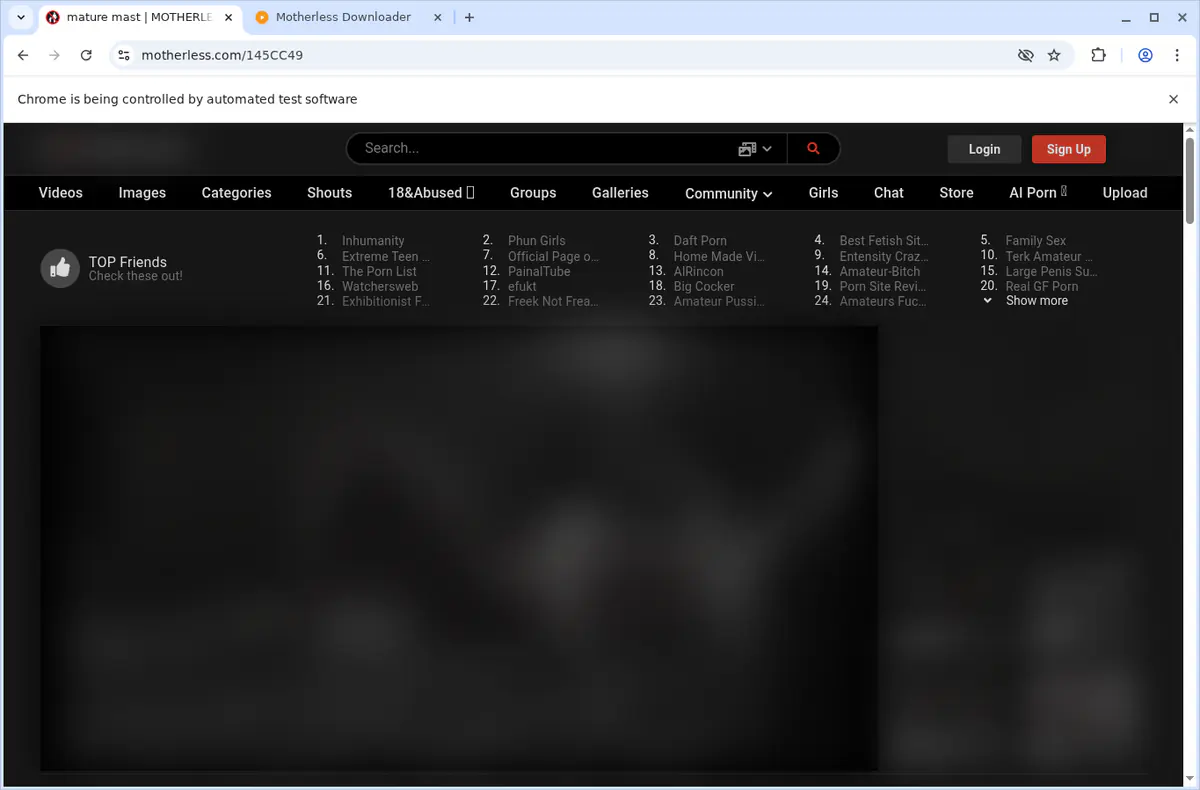
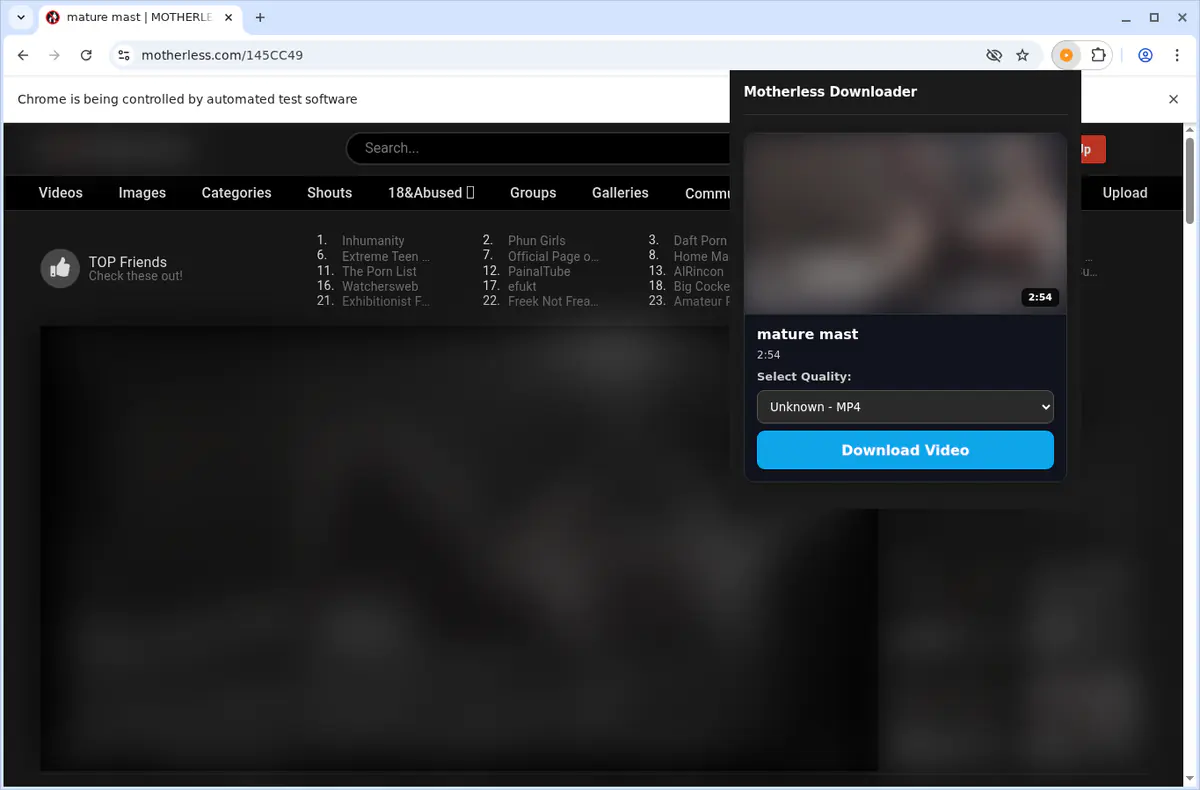
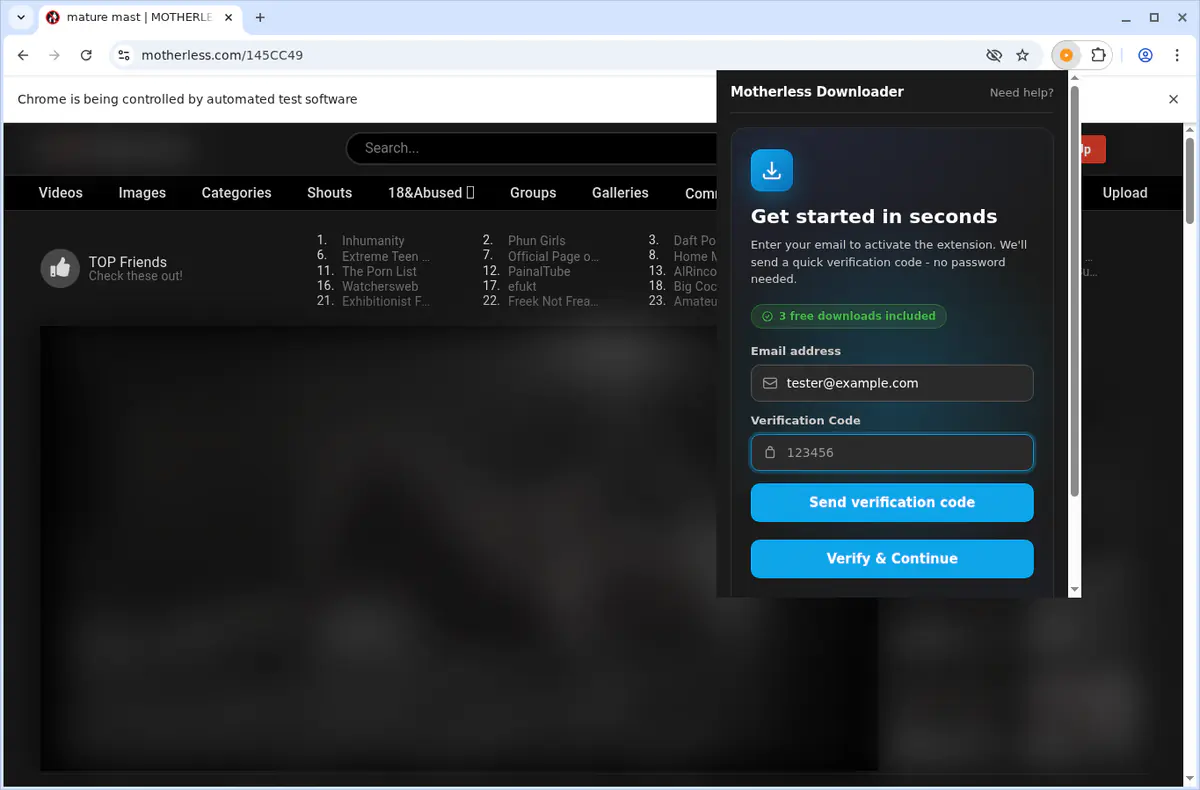
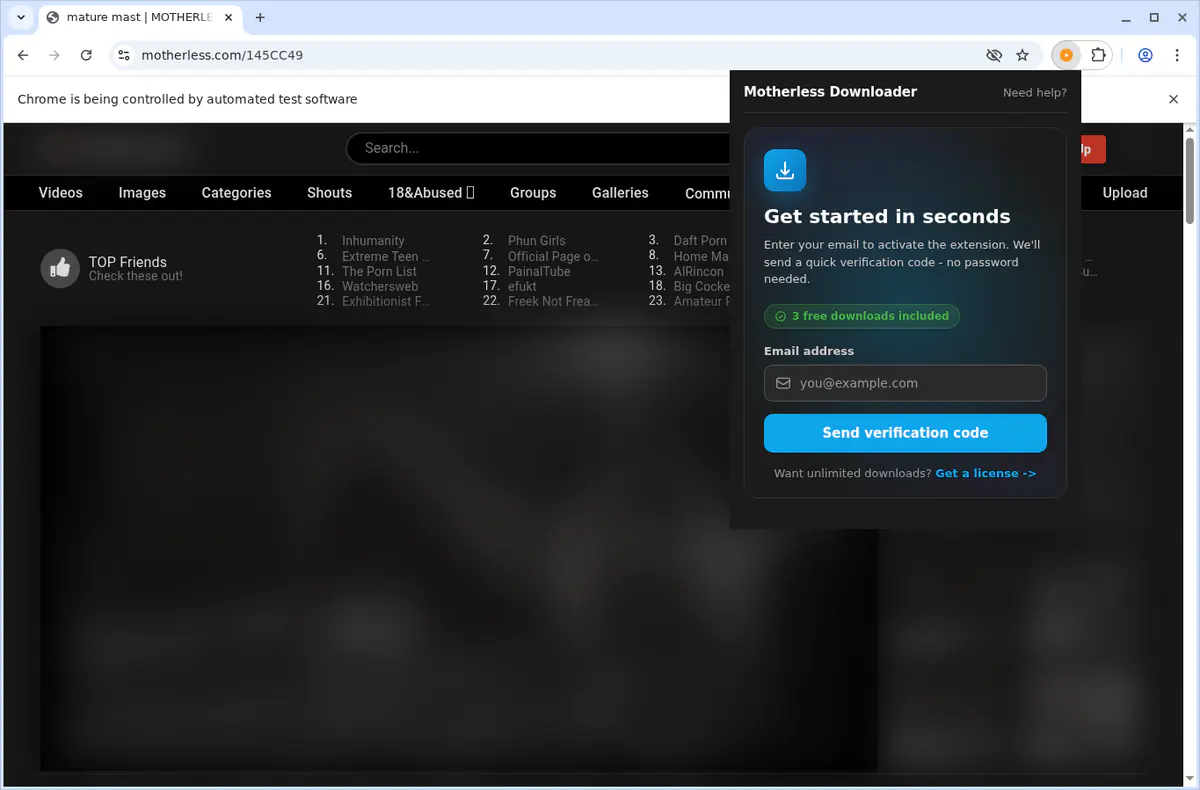
Open Motherless.com, play the video you want, then click the in-player download button, the extension icon, or the context-menu item labeled "Download Motherless Video." Choose a quality and the extension saves the finished MP4 to your Motherless downloads folder.
The extension reads all source variants it can detect from flashvars, HTML5, scripts, and page requests. Qualities are sorted highest-first, with direct MP4 options preferred when both MP4 and HLS are present.
Output is standard MP4. Direct MP4 sources download immediately, while HLS streams are stitched and transmuxed to MP4 in-browser before the save completes.
By default, completed files are saved to a dedicated Motherless subfolder inside your browser's Downloads directory for cleaner organization.
You get 3 free trial downloads per device after email OTP verification. After the trial, unlimited downloads require the paid subscription.
Yes. Motherless Downloader supports Chrome, Edge, Brave, Opera, Firefox, Whale, and Yandex on desktop operating systems.
No. Live stream capture is not supported for this product. It is designed for downloadable video pages and stream sources that can be converted to MP4.
Press play first so the stream is active, then open the popup or use the player button again. If detection still fails, refresh the page and retry. DRM-protected or unavailable sources cannot be downloaded.
Permissions like downloads, activeTab, tabs, scripting, contextMenus, and offscreen are required to detect page media, add in-player controls, convert HLS to MP4, and save files locally with progress tracking.
Yes. Media processing happens locally in your browser. Authentication uses secure email OTP, and the extension does not upload video files to external processing servers.
5.0 out of 5
I download Motherless videos for my projects and Motherless Downloader keeps everything organized without hiccups.
Marco Bishop
2025-03-10
4.9 out of 5
The quality from Motherless stays perfect, and batch downloads mean I can collect hours of material in minutes.
June Quintero
2025-02-11
4.8 out of 5
Privacy-friendly workflows were the missing piece for us - Motherless Downloader never sends Motherless data anywhere else.
Eden Mendez
2025-03-12


