5.0 out of 5
The player button and quality picker make this much faster than digging through the page manually.
Quinn Ochoa
2026-03-06
ManyVids Downloader helps creators and authorized viewers archive the videos they own. Skip unreliable screen recording—download the original files so quality, captions, and metadata stay intact. Use it to deliver purchased content to editors, prep client projects, or keep personal collections available without relying on streaming access.
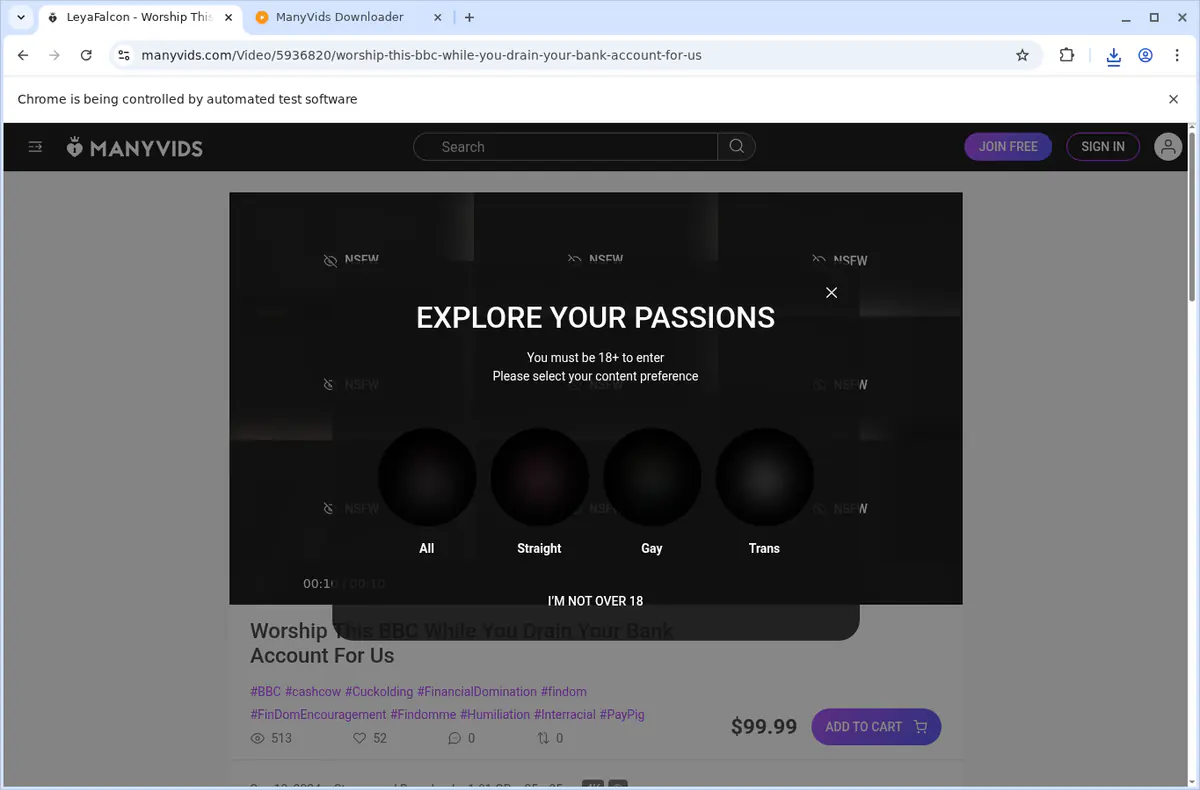
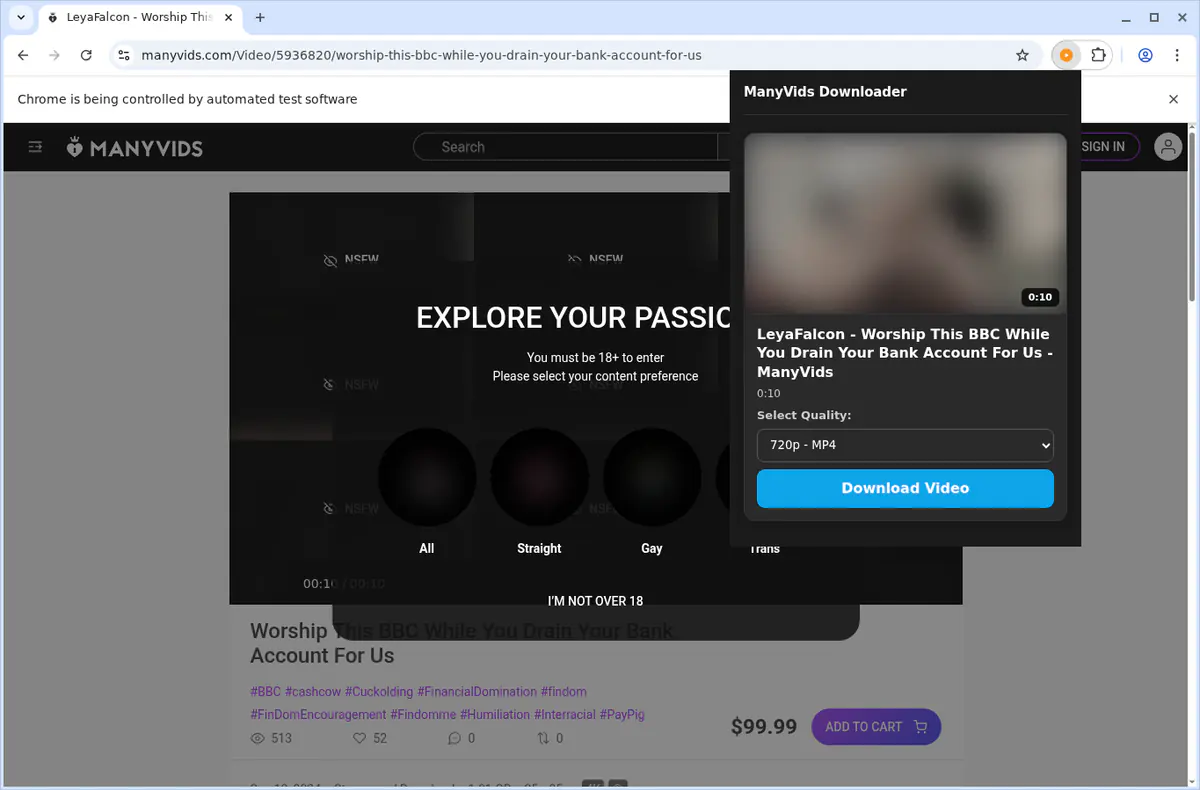
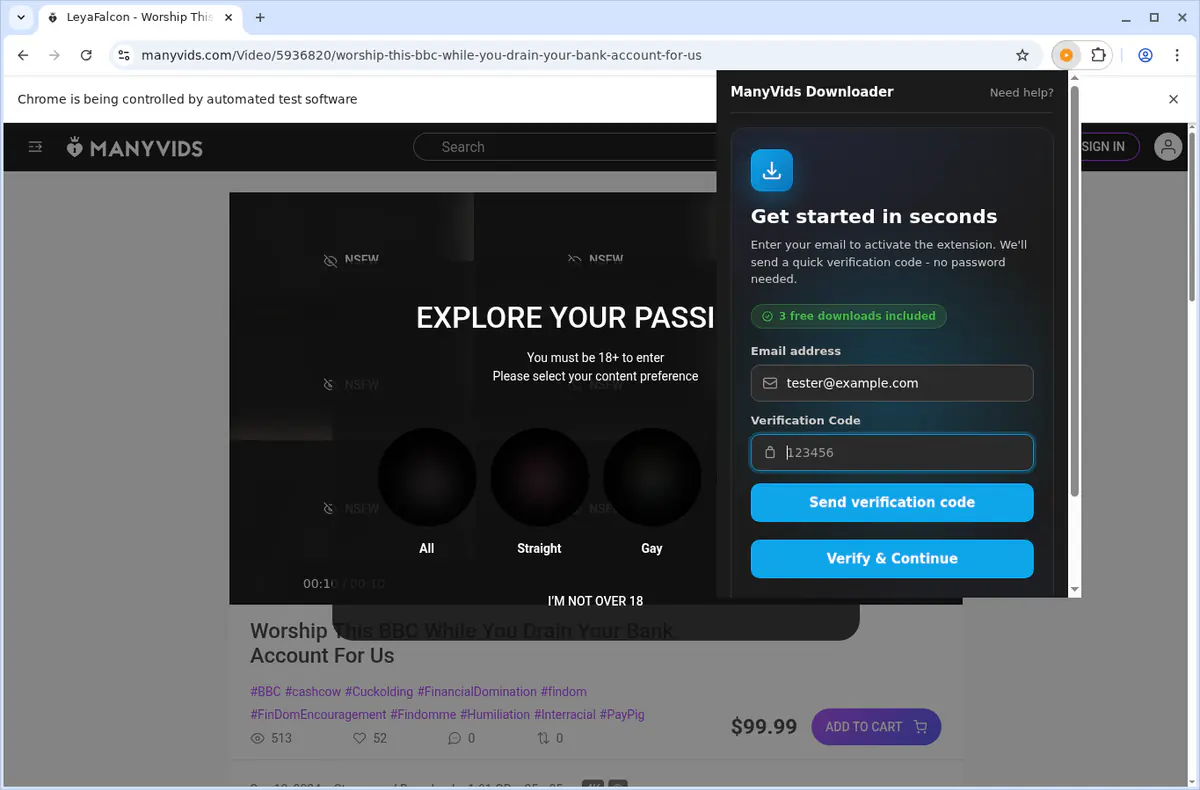
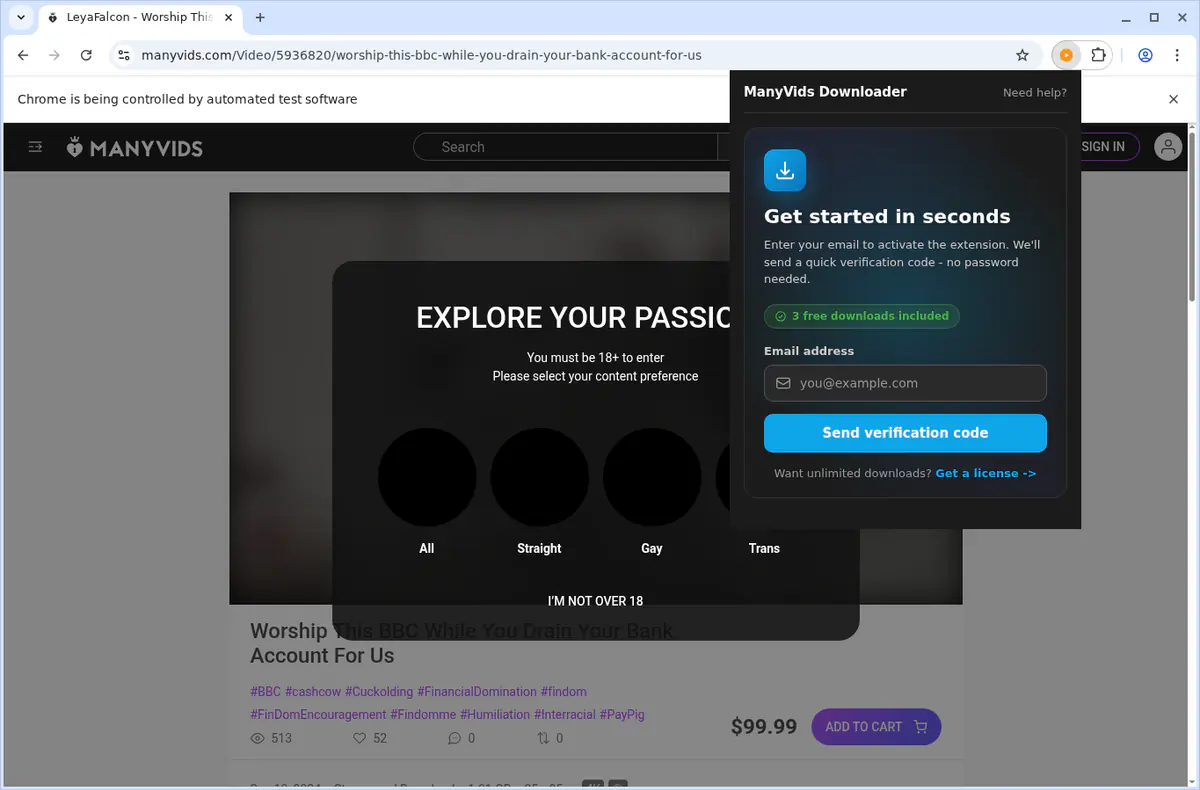
Open a video page on ManyVids.com, press play, then click the in-player download button, the extension popup action, or the context-menu entry. Choose the quality you want and the extension saves the file as MP4.
The extension lists every detected variant from the current page and sorts them highest first. If both direct MP4 and HLS options are present, MP4 is preferred and HLS can be converted automatically.
Downloads are saved as standard MP4 files. Direct MP4 sources are written immediately, while HLS streams are stitched and converted in-browser before saving.
Files are auto-saved into a ManyVids subfolder inside your browser's default Downloads directory so your archive stays organized.
No. ManyVids Downloader is focused on ManyVids video pages and recorded video playback, not live-stream capture.
No. The extension only works with content your current session can already access and does not bypass DRM, permissions, or site restrictions.
Press play first so the active stream is exposed, then try the player button or popup again. If detection still fails, refresh the page and wait for the player to finish loading before retrying.
Desktop builds are available for Chrome, Edge, Firefox, Brave, Opera, Whale, and Yandex on Windows, macOS, and Linux. Safari and mobile browsers are not supported.
After email OTP verification, you get 3 free downloads on the current device. Unlimited downloads require the paid subscription.
Permissions such as downloads, activeTab, scripting, tabs, contextMenus, and offscreen are used to detect sources, inject the player button, convert HLS to MP4, keep the download manager in sync, and save files locally.
Yes. Media detection, extraction, and conversion run locally in your browser. Files are not uploaded to third-party servers and OTP authentication does not require storing your site passwords.
5.0 out of 5
The player button and quality picker make this much faster than digging through the page manually.
Quinn Ochoa
2026-03-06
4.9 out of 5
It consistently finds the right source and the MP4 output plays everywhere I need it.
Sienna Brooks
2026-02-14
4.8 out of 5
I like that everything stays local and lands in an organized ManyVids folder automatically.
Drew Navarro
2026-03-10