5.0 out of 5
I pasted the manifest, chose 1080p, and the tool handled the whole merge. No more command-line scripts for every stream.
Andre Rivas
2025-02-22

M3u8 Downloader turns tricky HLS playlists into simple MP4 files. Paste a manifest URL or let the extension auto...
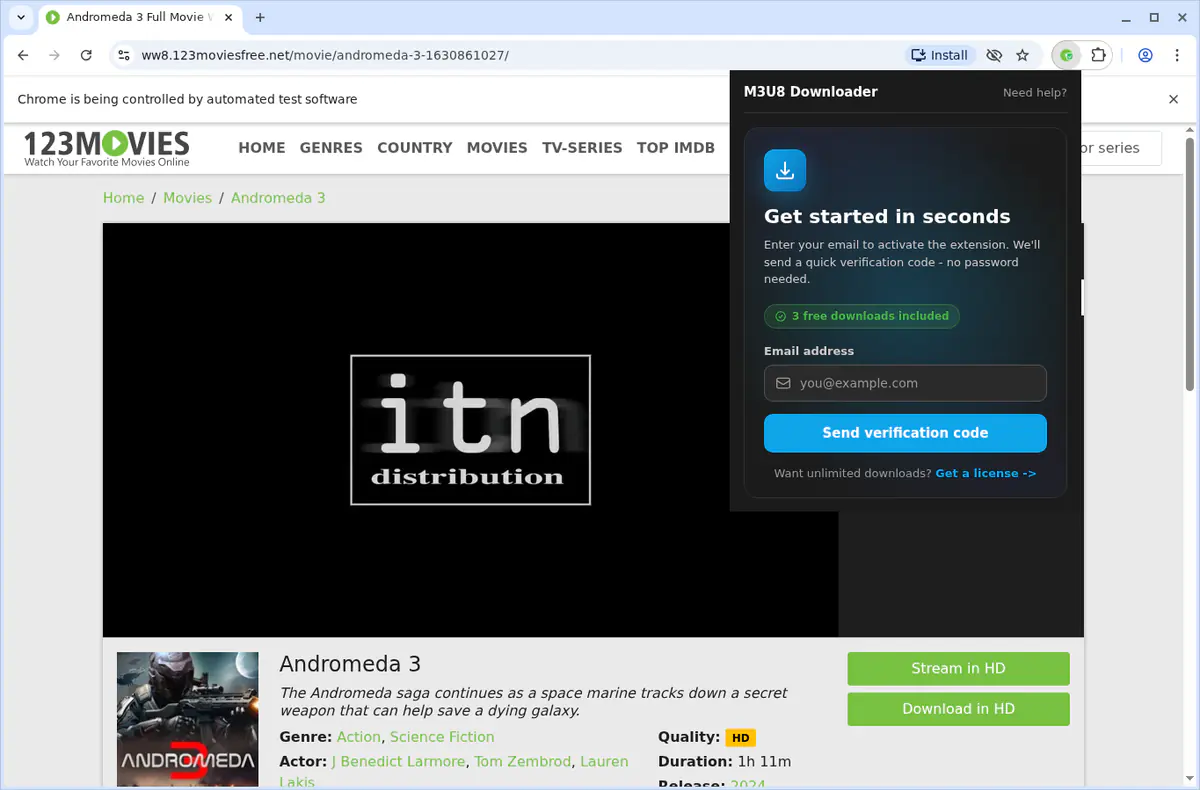
M3u8 Downloader turns tricky HLS playlists into simple MP4 files. Paste a manifest URL or let the extension auto-detect streams on the page, pick the quality you want, and it will download every segment, forward the right headers, and merge the video in the background without command-line tools. It supports master playlists, CMAF/fMP4 segments, and multi-bitrate variants, retries failed chunks automatically, and runs in Chrome, Edge, Firefox, Brave, or Opera while keeping your browser responsive. The result is a source-quality MP4 you can archive, edit, or review offline.

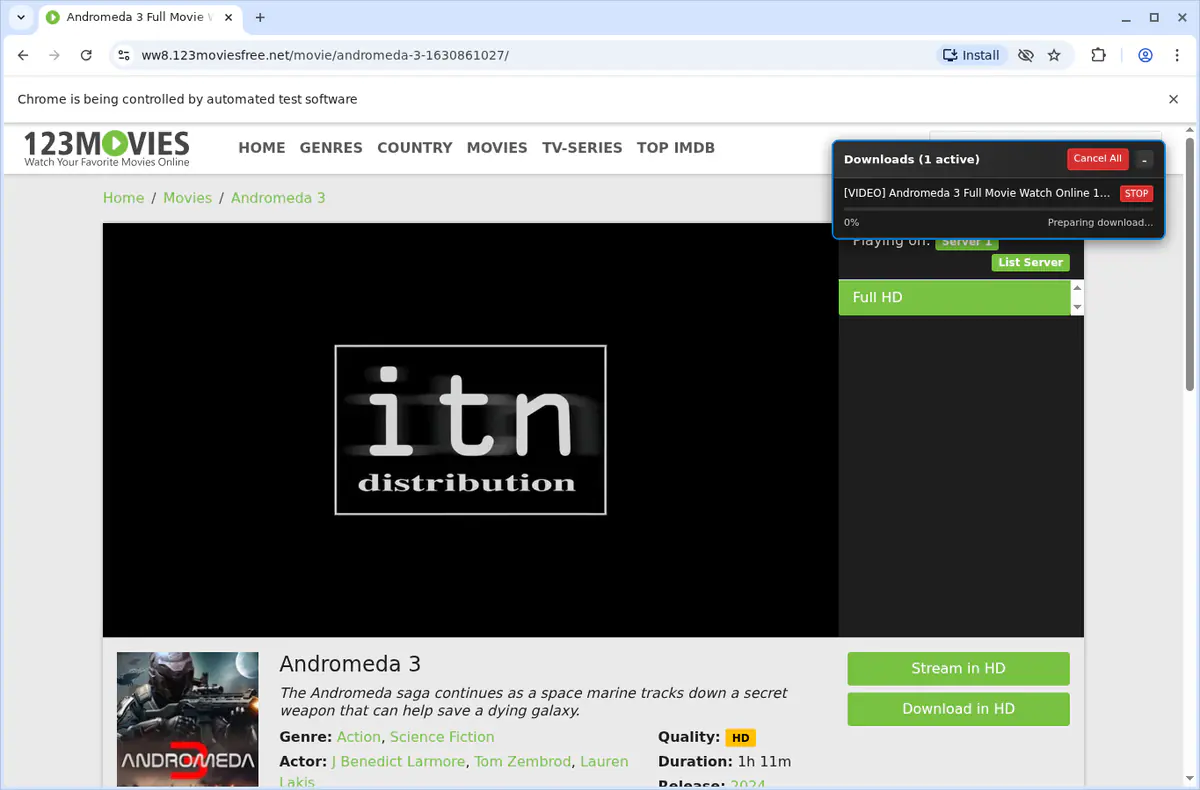
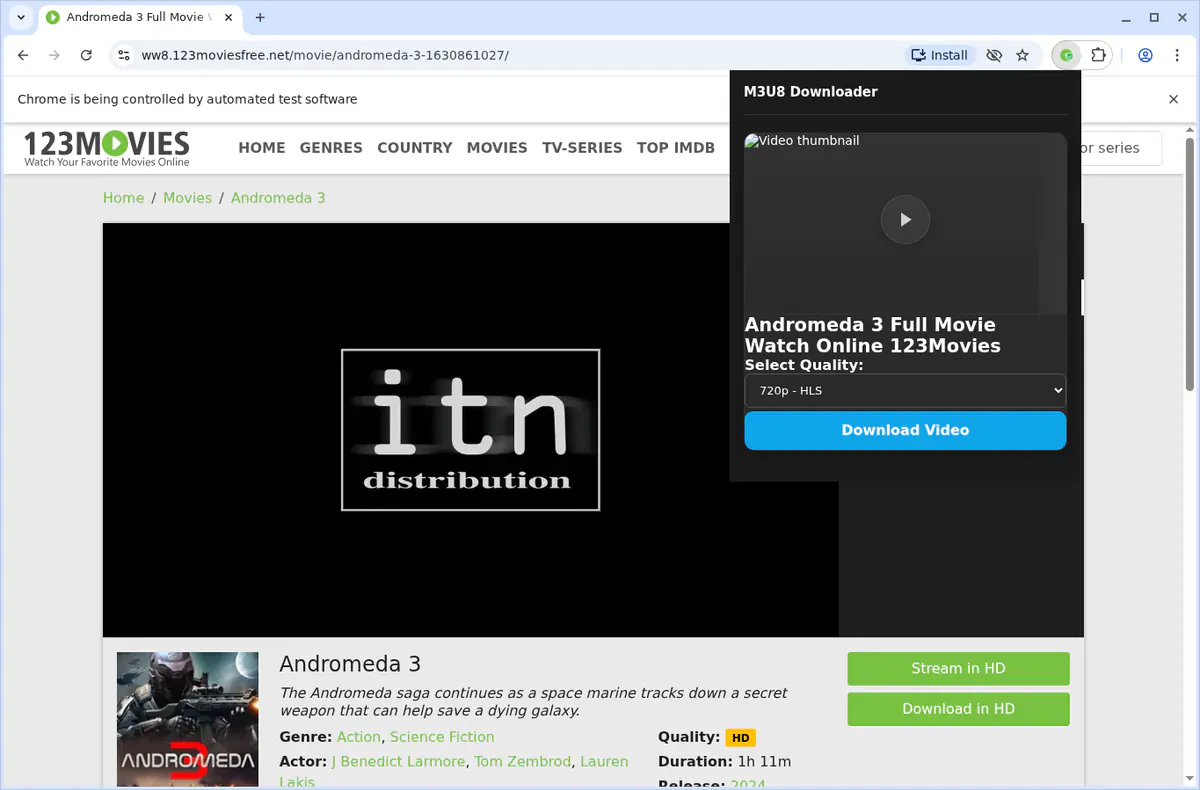
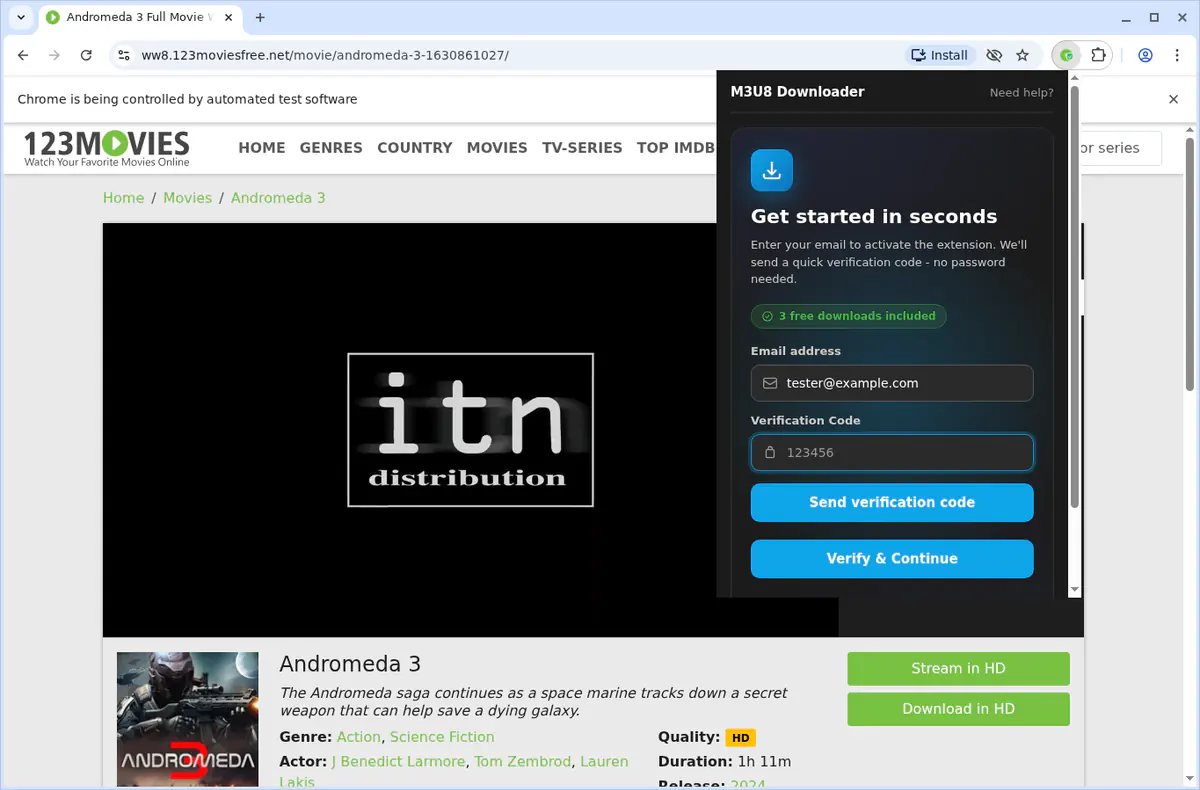
Writes the final MP4 file to your downloads folder and keeps the queue status accurate for each playlist.
Stores licence activation, preferred quality, and retry settings locally so the downloader stays configured between sessions.
Detects when an HLS stream is available on the current tab and captures the playlist URL automatically.
Allows queued conversions to continue while you switch tabs and restores the progress view when you return.
Injects lightweight scripts to locate manifest URLs, parse variants, and gather necessary headers.
Sends completion or error alerts so you know when conversions finish without monitoring the popup.
Adds a “Detect M3U8 Stream” right-click option for quickly capturing manifests from any page.
Merges HLS segments into MP4 files in the background, preventing the browser UI from freezing during long downloads.
Grants access to sites serving HLS content so the extension can fetch segments and associated playlists directly from those hosts.
Paste the playlist URL into the popup or enable auto-detect on the page, select the quality variant you want, and start the conversion. The MP4 will save when segment merging completes.
Yes. The downloader forwards cookies, referrers, and custom headers from your browser session so authorised streams play without manual configuration.
You can add several manifests to the queue and the extension will process them sequentially, keeping your browser responsive while conversions run.
Builds ship for Chrome, Edge, Firefox, Brave, and Opera on Windows, macOS, and Linux. Safari is not supported.
No. The tool works with unencrypted HLS playlists only. DRM-protected streams remain inaccessible.
The downloader captures the selected video/audio rendition. Subtitles or alternate audio tracks are not extracted; download them separately if required.
All detection, downloading, and merging happen locally. Only licence verification touches external servers, and no analytics are collected.
5.0 out of 5
I pasted the manifest, chose 1080p, and the tool handled the whole merge. No more command-line scripts for every stream.
Andre Rivas
2025-02-22
4.9 out of 5
Our training portal needs cookies and headers. The downloader forwarded them automatically and delivered perfect MP4s.
Miya O’Donnell
2025-03-02
4.8 out of 5
I saved three-hour town halls back-to-back. Retries kept the downloads alive and quality is identical to the source.
Mateo Alvarez
2025-01-31