5.0 out of 5
I run a Kick clip compilation channel and this extension is the backbone of my workflow. Batch downloading 50+ clips from a streamer page saves me hours of screen recording.
Dylan Frost
2025-02-12
Kick still does not have a download button for clips or VODs. Without one, saving clips means screen recording a...
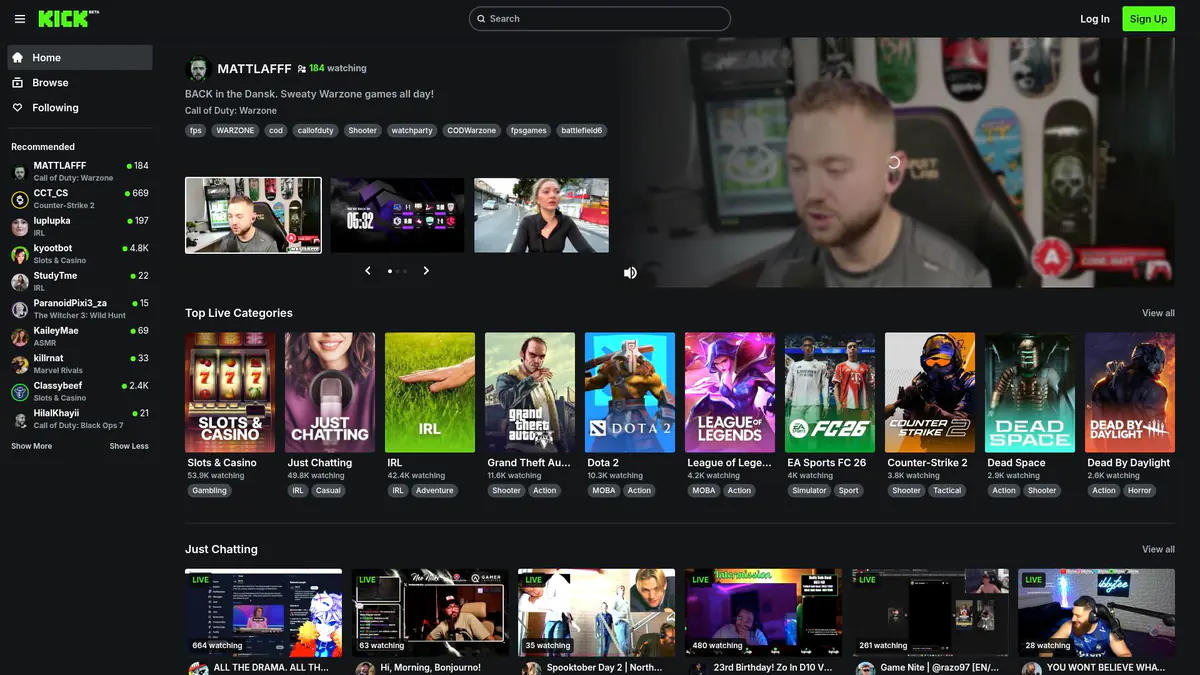
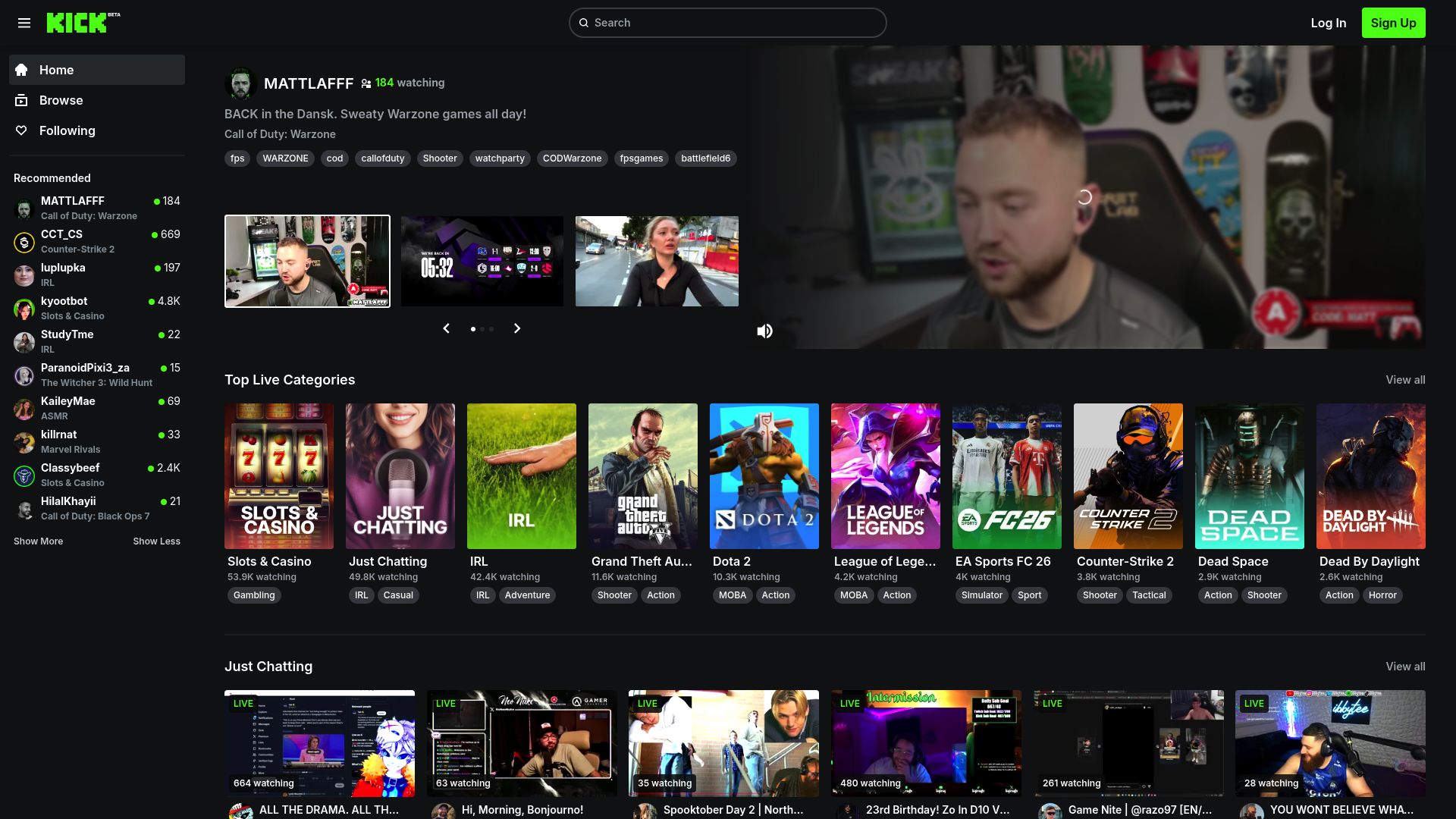
Kick still does not have a download button for clips or VODs. Without one, saving clips means screen recording at reduced quality or using third-party tools that struggle with Kick's infrastructure. Clips and VODs can also disappear as streamers change settings or the platform updates. This browser extension adds the missing download button. Browse Kick.com, open any clip, highlight, or VOD, and download the original video file at full quality as an MP4. No re-encoding, no quality loss. The file is identical to what plays on the site. On a streamer's clip page, queue up dozens of clips at once for batch downloading, making it easy to build highlight compilations or archive a channel's best moments. Files are automatically named with the streamer, clip title, and date so everything stays organized. All downloads happen locally in your browser with no outside servers involved. Streamers repurposing content for YouTube and fans preserving favorite moments can start with 3 free downloads.
Both. The extension works with Kick clips, highlights, and full VOD recordings. Navigate to any clip or VOD page and the download button will appear.
The extension downloads the original video file from Kick's servers at the highest available quality. There is no re-encoding or quality reduction in the process.
Yes. Navigate to a streamer's clip page and the extension will list all visible clips. Queue the ones you want and they will download sequentially.
No. Public clips and VODs on Kick can be downloaded without an account. Subscriber-only content requires an authenticated session.
Files are named with the streamer name, clip title, and date by default. This makes it easy to organize clips by streamer or find specific moments later.
5.0 out of 5
I run a Kick clip compilation channel and this extension is the backbone of my workflow. Batch downloading 50+ clips from a streamer page saves me hours of screen recording.
Dylan Frost
2025-02-12
4.9 out of 5
As a Kick streamer, I use this to download my own highlights for YouTube uploads. The MP4 quality matches the source and drops right into my editing timeline.
Valentina Reyes
2025-03-03
4.8 out of 5
Kick clips do not have a download button, so this extension fills a huge gap. One click gives me the full-quality MP4. Simple and reliable.
Theo Janssen
2025-01-28