5.0 out of 5
I was spending 20 minutes per video copying m3u8 URLs and running ffmpeg from the terminal. This extension does it in two clicks and handles the segment merging perfectly. Absolute time saver.
Miranda Chen
2025-03-19
Corporate training portals, university lecture recordings, and certification courses all share the same limitati...
Corporate training portals, university lecture recordings, and certification courses all share the same limitation: you can watch them online, but there is no way to save them for later. HLS Downloader changes that. These sites use a streaming method that chops video into hundreds of tiny pieces, which is why normal download tools fail completely. This extension works inside your browser, automatically finds the stream, grabs every piece, and assembles them into a single MP4 file on your computer. Pick the quality you want, click download, and walk away. When it finishes, you have a perfect offline copy ready to review on a plane, in the field, or anywhere without internet.
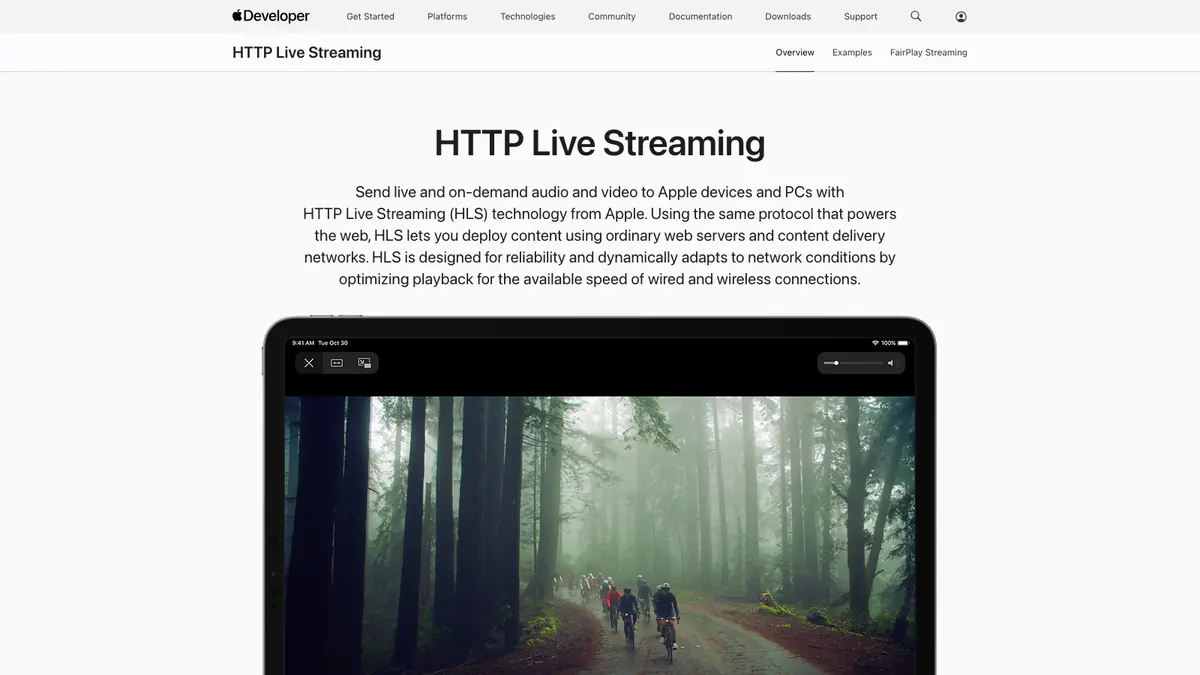
HLS (HTTP Live Streaming) is Apple's adaptive streaming protocol used by most websites for video delivery. It splits video into hundreds of small .ts segments referenced by an m3u8 playlist. You cannot simply right-click and save these videos. This extension fetches all segments and merges them into a standard MP4 file.
HLS is the dominant streaming protocol on the web. It is used by news sites, educational platforms, corporate training portals, social media platforms, and many streaming services. If a website plays video, there is a good chance it uses HLS. The extension detects it automatically.
It supports AES-128 encrypted HLS where your browser session already has the decryption key. This covers most login-protected portals and gated content you are authorized to view. Hardware DRM like Widevine L1 is not supported.
This extension replaces the manual workflow of finding m3u8 URLs in devtools, copying them, running ffmpeg from the command line, and handling errors. It does the same thing but entirely within the browser with a visual interface and automatic error handling.
Yes. The extension processes HLS streams of any length, tracking segment progress as it downloads. Multi-hour recordings work the same as short clips, though they take longer to process. Keep the tab open until merging completes.
5.0 out of 5
I was spending 20 minutes per video copying m3u8 URLs and running ffmpeg from the terminal. This extension does it in two clicks and handles the segment merging perfectly. Absolute time saver.
Miranda Chen
2025-03-19
4.9 out of 5
Our university's lecture platform uses HLS for all recordings. I download each week's lectures for offline review during my commute. Quality is identical to what I see in the browser player.
Oscar Lindqvist
2025-02-20
4.8 out of 5
The encrypted stream support is what sets this apart. My company's training portal uses AES-128 HLS and this is the only extension that handles the decryption properly. Clean MP4 output every time.
Fatima Al-Rashid
2025-03-21