Video Downloaders

Coursera Downloader

Halfway through a Coursera specialization and the course is being retired next month. Or the Coursera Plus subsc...

Get it here

Details

Last Updated

June 19, 2026

About

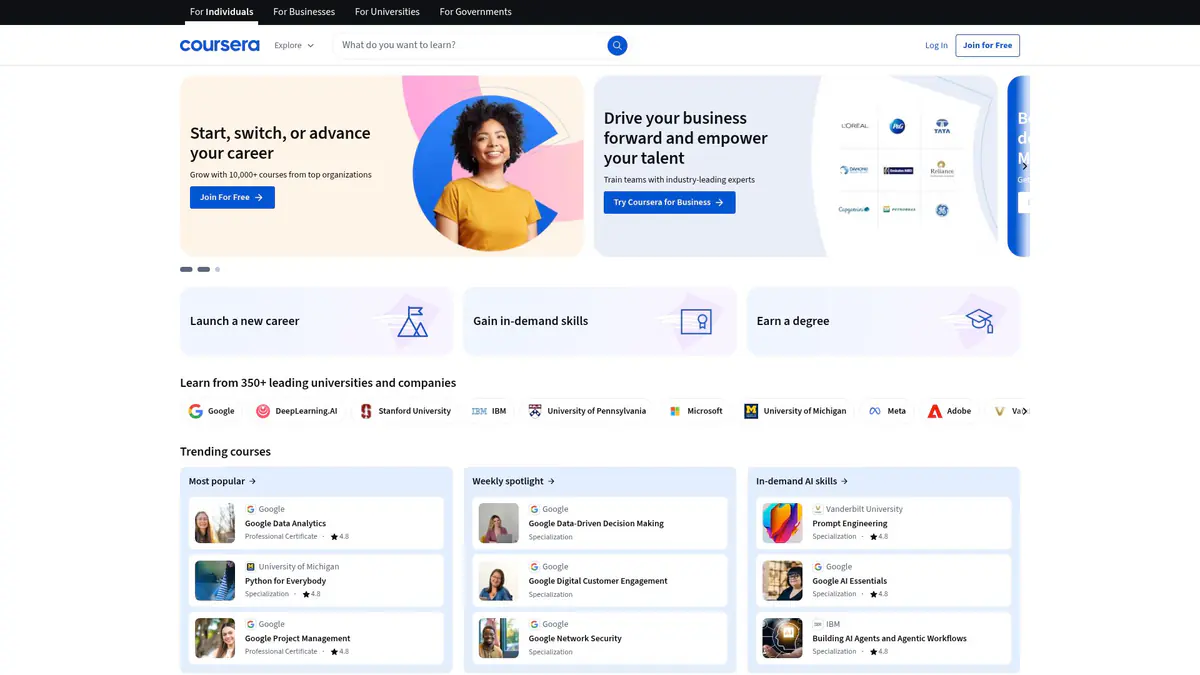
Halfway through a Coursera specialization and the course is being retired next month. Or the Coursera Plus subscription is about to lapse with lectures still left to review. Either way, the knowledge you were counting on is about to vanish. This extension saves any Coursera lecture as a standard MP4 file before that happens. Open the lecture, click the extension icon or right-click, pick your preferred resolution, and the video downloads right to your computer. It works across courses, specializations, and guided projects, covering anything with a video player on Coursera. The extension grabs the best available quality and shows real-time progress with speed and time remaining so you know exactly when it will finish. Everything happens locally in your browser using your existing Coursera login. No credentials are stored, no data leaves your machine, and no third-party services are involved. Build your offline lecture library while you still have access. Try 3 free downloads to start, no credit card needed.

Key Features

Detects Coursera lecture videos across courses, specializations, and guided projects
Lists every available quality tier with format labels and estimated file sizes
Downloads MP4 sources directly or converts HLS/DASH streams into MP4 automatically
Right-click “Download with Coursera Downloader” for quick saving during study sessions
Progress window shows stage, speed
ETA, and offers pause/cancel controls
Stores licence details and quality preferences locally with no analytics or tracking
Works with your existing Coursera login—no manual cookie export required
Desktop notifications let you know when lectures finish downloading
Supports Chrome
Edge
Firefox
Brave, and Opera on Windows, macOS, and Linux

Screenshots

Screenshot 1
Screenshot 2
Screenshot 3

Videos

Related Videos

Compatibility

Supported Platforms

Web BrowserWindowsmacOSLinuxChromeFirefoxEdgeBraveOperaWhaleYandex

Supported Regions

Worldwide

Related Searches

Coursera DownloaderDownload Coursera LecturesCoursera Offline VideosCoursera Mp4 ConverterCoursera Plus Offline Study

Permissions

Downloads

Saves finished lecture MP4s to your downloads folder and keeps the progress interface in sync while each file completes.

Storage

Stores the licence key and preferred quality so the extension stays activated and remembers your settings between sessions.

ActiveTab

Detects Coursera lecture players on the tab you are viewing and enables inline controls for quick downloads.

Tabs

Allows downloads to continue if you switch between course tabs and restores the status window when you return.

Scripting

Extracts video stream URLs from Coursera’s player, including HLS and DASH manifests, so the downloader can retrieve the correct files.

Notifications

Sends completion and error alerts so you know when a lecture is ready without watching the tab.

ContextMenus

Adds a right-click “Download with Coursera Downloader” option for faster access while browsing lectures.

Offscreen

Merges HLS/DASH segments into a single MP4 in a hidden context to keep the browser responsive during conversion.

Host Permissions

Restricts privileged access to coursera.org and its media subdomains, ensuring the extension only runs where it is needed.

Frequently Asked Questions

How do I download a Coursera lecture?

Open the lecture, click the Coursera Downloader icon, pick your preferred resolution, and keep the tab open while the progress bar completes. The MP4 will save with the course and lecture name.

Can I download entire courses automatically?

Downloads are launched one lecture at a time. There’s no batch export, but you can queue multiple lessons manually.

Does it include captions or transcripts?

No. The extension focuses on video and audio. Download captions or transcripts separately from the course materials if you need them.

Which browsers are supported?

Builds are available for Chrome, Edge, Firefox, Brave, and Opera on Windows, macOS, and Linux. Safari and mobile browsers aren’t supported.

Will it download content I’m not enrolled in?

No. The downloader works within your active Coursera session and only captures videos you’re legitimately enrolled in or can preview.

Why does it request scripting and offscreen permissions?

Scripting reads the player to enumerate stream URLs, and the offscreen context stitches HLS/DASH segments into a single MP4 without freezing your browser.

Is my data private?

Yes. All detection and conversion happen locally. Only licence verification touches remote servers, and no watch history or credentials are stored.

Reviews

5.0 out of 5

I download lectures before travel days and the progress window keeps me updated. Every video saves with the course name so review sessions are painless.

Nia Delgado

2025-02-18

4.9 out of 5

HLS and DASH always caused trouble with other tools. This pulls 1080p files reliably and keeps quality intact.

Jared Kim

2025-03-04

4.8 out of 5

I’m working through a specialization and wanted permanent copies. Downloads stay private, and I can review tough lectures without buffering.

Lailah Suri

2025-01-30

Related Extensions

123movies Downloader
123movies Downloader is a purpose-built Chrome extension that tracks down the hidden HLS streams powering 123movies mirrors and turns them into clean MP4 files. It recognises the moment a video starts playing, captures the source, and keeps quality identical to what you see online so buffering and pop-ups never ruin the copy you save. Downloads run in resilient chunks with automatic retries, making two-hour films as reliable as quick clips. A clear status bar walks through scanning, fetching, and merging so you always know whether the stream is still downloading or already processing the final MP4. Activation is handled with a simple email and lifetime licence key. After unlocking, just open a mirror, press play, and click Process Stream to watch the extension assemble a finished MP4 directly in your browser’s downloads folder without touching external servers. Keep the tab open while it works, remember that DRM-protected platforms stay off limits, and consider a dedicated browser profile if you prefer running high-permission extensions in their own space.
⭐ 5.01938
A
Alpha Porno Downloader
Alpha Porno Video Downloader zeroes in on alphaporno.com video players so you can save clips for offline viewing in a couple clicks. It scans each page for hidden MP4 and HLS manifests, surfaces every quality option, and lets you decide exactly what lands in your downloads folder. Concurrent downloads mean you can queue multiple clips at once, watch progress bars inline, and keep browsing while the extension finishes its work. A right-click shortcut and compact popup deliver quality selection, speed indicators, and discreet desktop notifications when each file wraps. Licence activation takes seconds and settings stay local, so nothing leaves your browser beyond a quick licence check. The extension only runs on AlphaPorno domains, keeping the rest of your browsing untouched and your saved copies private. Keep the source tab open until the merge completes, remember it cannot grab DRM-protected streams, and consider splitting long sessions into batches so your hardware can stitch complex HLS videos without slowing down.
⭐ 5.01938
Ashemaletube Video Downloader
AShemaleTube Downloader gives creators and teams a dependable way to save AShemaleTube videos for offline access. Instead of juggling manual captures or risky browser extensions, it pulls publicly accessible files directly from AShemaleTube with consistent quality. Use it to archive research material, prep client deliverables, or keep your personal library available when you're traveling or working with limited connectivity.
⭐ 5.01938
Beeg Video Downloader
Beeg Video Downloader automates the HLS-to-MP4 conversion that keeps most Beeg videos locked to streaming. It detects the player as soon as it loads, captures the hidden playlists, and gives you a clean list of quality options so you can archive clips in the resolution you prefer. A guided popup displays bitrate, estimated file size, and stream type before you download. Once you start, an inline progress manager tracks segment speed, percentage, and ETA while background workers stitch the MP4 together with retries whenever a chunk fails. The extension keeps everything local—licence details, quality presets, and downloaded files never leave your browser. Desktop notifications and a right-click shortcut make saving multiple videos at once as simple as queuing them and returning when the alerts fire. Activation requires a one-time licence and it is worth letting each tab stay open until processing completes. HLS conversion takes a little CPU time, but you get lossless MP4 copies without juggling developer tools or command-line scripts.
⭐ 5.01938
Bongacams Video Downloader
Bongacams Downloader gives creators and teams a dependable way to save Bongacams videos instantly for offline viewing. Instead of juggling manual captures or questionable browser extensions, it pulls content directly from Bongacams with consistent quality and predictable results. It supports Record live cam shows and interactive content, HD and ultra-HD stream recording, and Auto stream quality detection and selection, so you can move quickly from download to delivery without tedious rework. Use it to archive Bongacams assets, prep client deliverables, or keep your library accessible when connectivity is limited.
⭐ 5.01938
Boyfriendtv Video Downloader
BoyfriendTV Downloader gives creators and teams a dependable way to save BoyfriendTV videos for offline access. Instead of juggling manual captures or risky browser extensions, it pulls publicly accessible files directly from BoyfriendTV with consistent quality. Use it to archive research material, prep client deliverables, or keep your personal library available when you're traveling or working with limited connectivity.
⭐ 5.01938
Cam4 Video Downloader
Cam4 Downloader is a browser extension built for people who want a simple way to save Cam4 videos without messing with stream URLs, scripts, or desktop tools. It works on live broadcasts and recorded videos, detects available qualities automatically, and saves the final file as MP4 so it plays anywhere.
⭐ 5.01938
Cams.com Video Downloader
Cams.com Downloader is a browser extension built for viewers who want a direct way to keep live shows and recorded clips available offline. It detects stream sources on supported Cams.com pages, gives you a cleaner download workflow, and saves the final file as MP4 so it is easier to replay later on any device.
⭐ 5.01938

Tags

video-downloader