Video Downloaders

Clientclub Downloader

ClientClub Downloader keeps agency training and community lessons within reach even after access expires. It rec...

5.0
out of 5
1938
users

Details

Last Updated

April 30, 2026

About

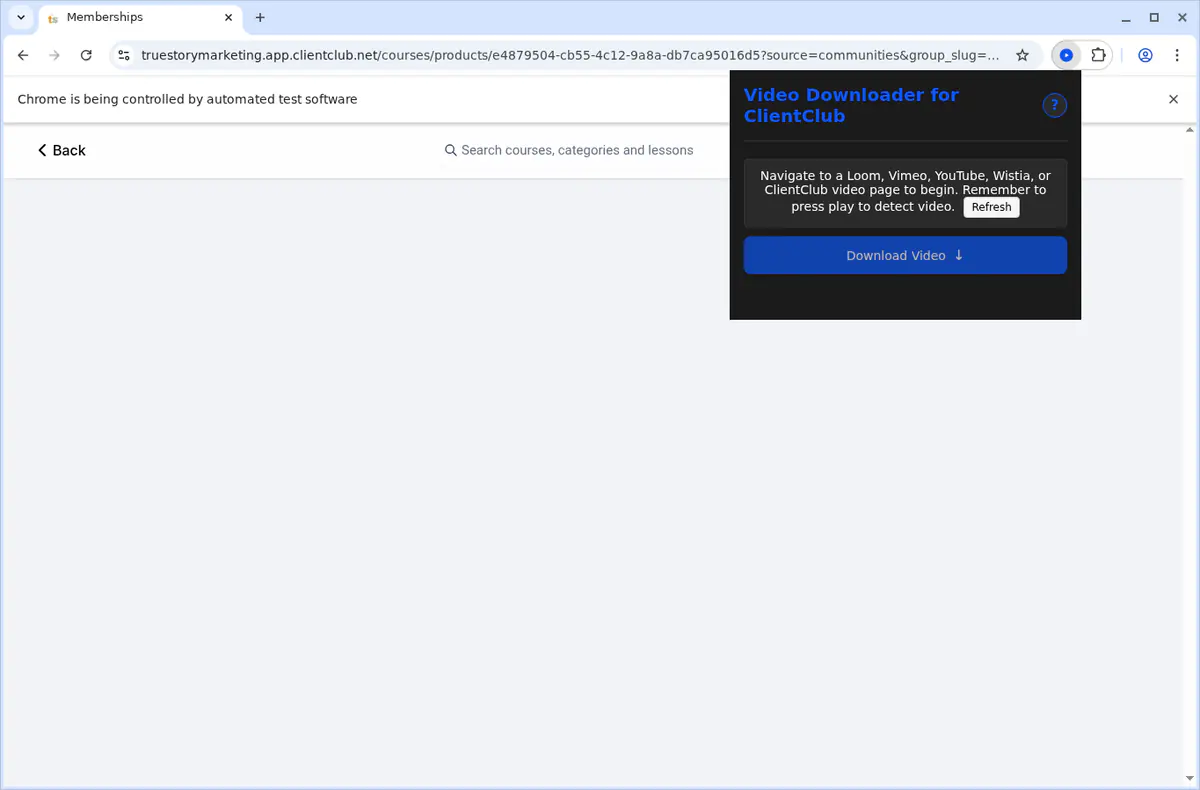
ClientClub Downloader keeps agency training and community lessons within reach even after access expires. It recognises native ClientClub uploads alongside embedded videos from YouTube, Vimeo, Wistia, Loom, and GoHighLevel, presenting everything inside one popup so you can grab the exact lesson you need. Pick the rendition you prefer, queue up to three downloads at once, and let the global progress panel track stage, speed, and ETA while background workers merge adaptive streams into MP4s. The extension relies on your existing ClientClub session, stores settings locally, and sends a desktop alert the moment a file is ready for offline study.
Key Features

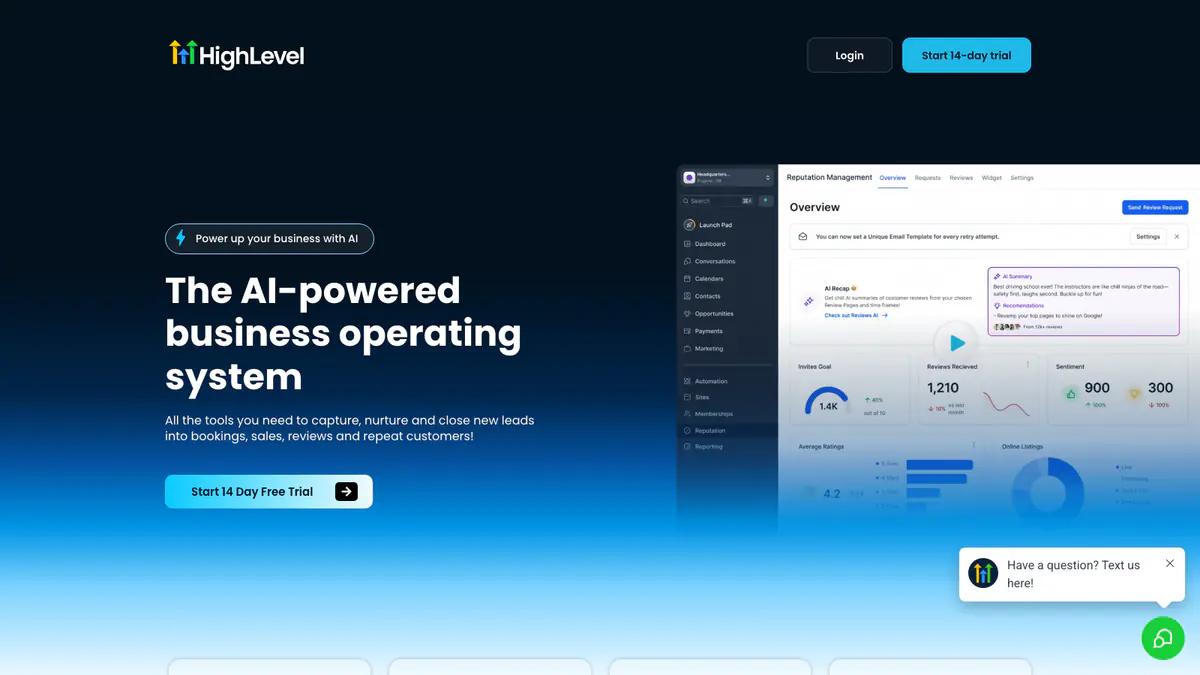
Detects ClientClub and GoHighLevel-powered portal pages before activating, so the extension only runs where it is relevant.
Supports native portal media plus embedded Loom, Vimeo, Wistia, YouTube, and GoHighLevel-native video.
Uses dedicated platform-specific handlers instead of relying on one generic detector for every embedded player.
Lists available qualities based on the source platform so you can choose the best rendition it actually exposes.
Runs up to 3 concurrent downloads with queue-aware progress tracking in the built-in manager.
Adds a context-menu shortcut labeled 'Download ClientClub Video' on supported page and video contexts.
Auto-saves completed MP4 files into Downloads/ClientClub Downloader without repeated save prompts.
Shows desktop notifications for completion and error states while longer downloads continue in the background.
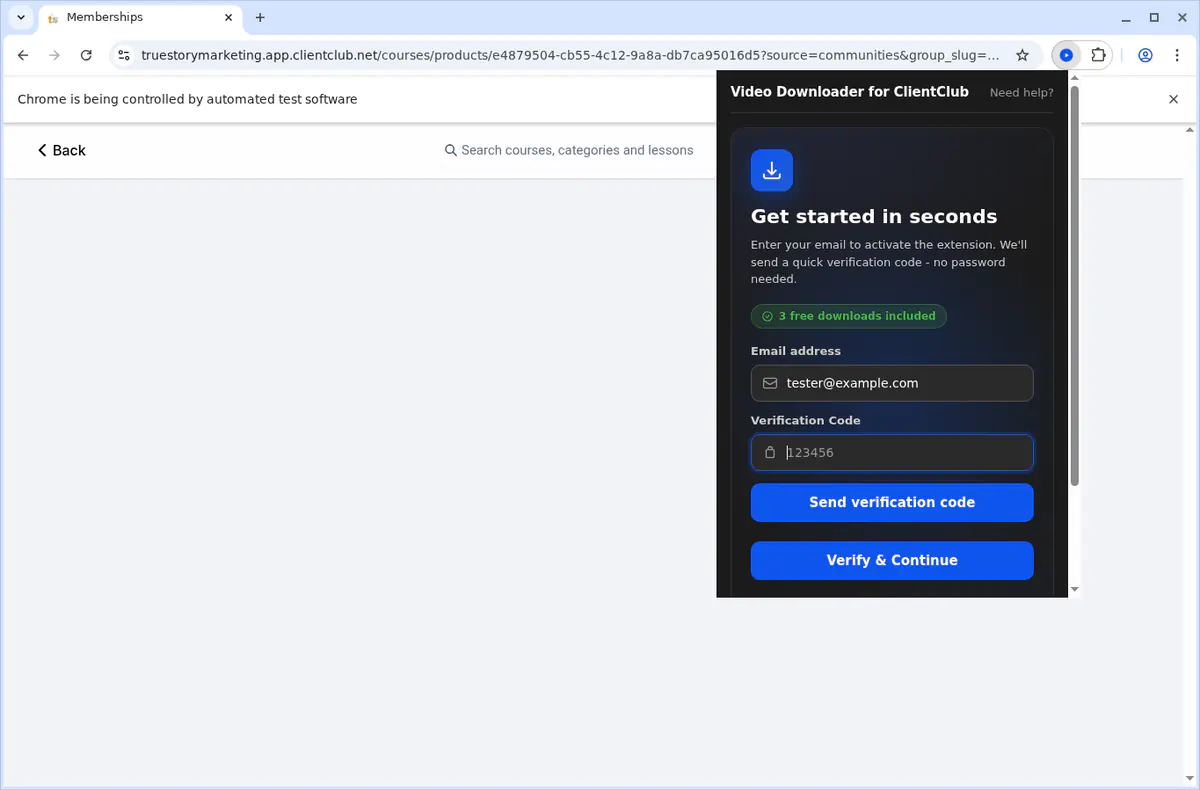
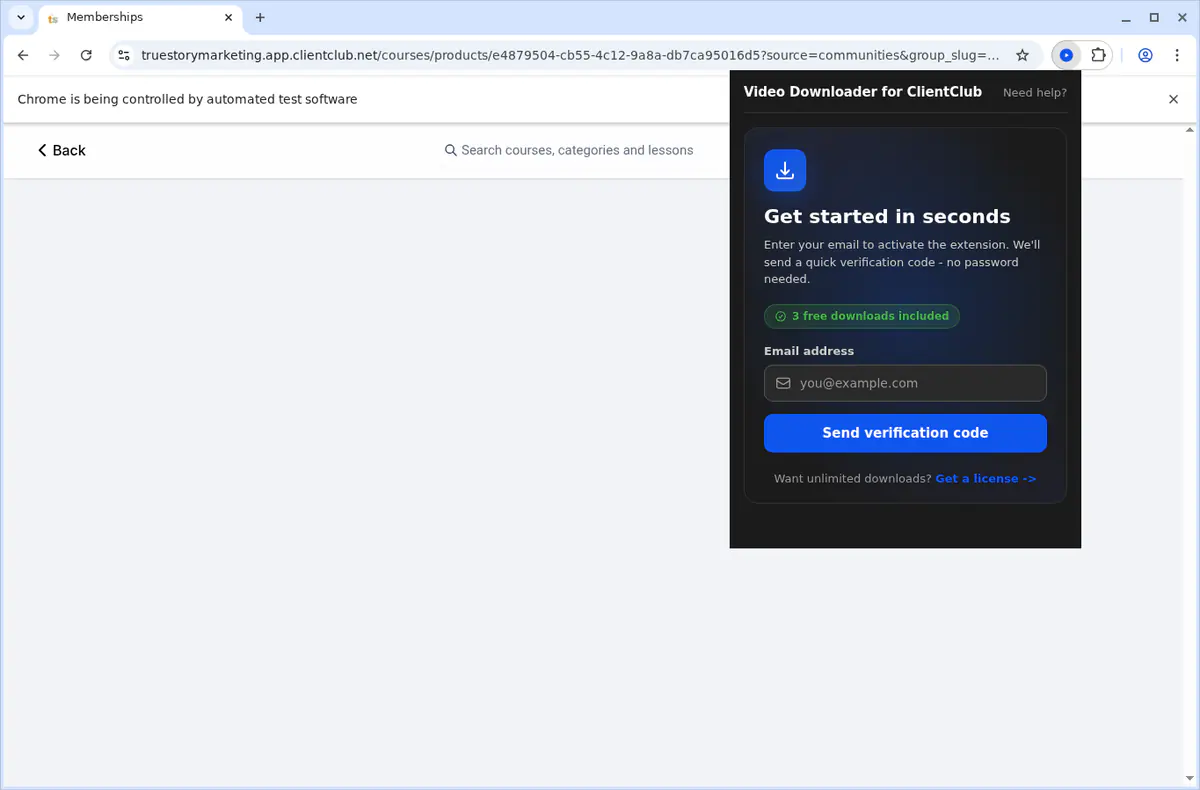
Uses secure email OTP activation with 3 free downloads before the paid subscription is required.
Works on Chrome, Edge, Firefox, Brave, Opera, Whale, and Yandex across Windows, macOS, and Linux.
Keeps media handling local in the browser with no video upload to outside servers.
Respects your current portal session and does not bypass permissions or paywalls.

Screenshots

Screenshot 1
Screenshot 2
Screenshot 3
Screenshot 4
Screenshot 5
Screenshot 6

Compatibility

Supported Platforms

Web BrowserWindowsmacOSLinuxChromeFirefoxEdgeBraveOperaWhaleYandex

Supported Regions

Worldwide

Related Searches

Clientclub DownloaderClientclub Video DownloaderDownload Clientclub VideosClientclub Portal DownloaderDownload Gohighlevel Portal VideosClientclub Lesson DownloaderDownload Loom From ClientclubDownload Vimeo From ClientclubSave Coaching Portal Videos OfflineClientclub Mp4 Downloader

Permissions

Downloads

Writes the MP4 files you export to disk and updates progress indicators for each running download.

Storage

Saves licence activation details plus your preferred quality settings locally so the extension is ready whenever you log in.

ActiveTab

Detects ClientClub lessons and embedded players in the tab you are viewing, enabling inline download buttons.

Tabs

Keeps queued downloads running in background tabs and restores status when you come back to the lesson.

Scripting

Extracts available renditions from ClientClub, YouTube, Vimeo, Wistia, Loom, and GoHighLevel embeds so you can pick the quality you need.

Notifications

Provides completion and error alerts so you know when each lesson is ready without babysitting the popup.

ContextMenus

Adds a Download with ClientClub Downloader entry to the right-click menu for quick saves.

Offscreen

Processes HLS and DASH segments into MP4 files in the background to avoid freezing the lesson tab.

Host Permissions

Restricts privileged access to clientclub.com and related training CDNs, keeping the extension scoped to relevant pages.

Frequently Asked Questions

What portals does ClientClub Downloader work with?

It is built for ClientClub and GoHighLevel-powered client portals that expose the expected portal markers and embedded lesson structure.

What video platforms are supported?

The extension supports native portal media plus embedded Loom, Vimeo, Wistia, YouTube, and GoHighLevel-native video when those sources are accessible in your current session.

How do I download a ClientClub lesson?

Open the lesson page, press play so the source loads, then use the extension popup or the 'Download ClientClub Video' context-menu action. Pick the quality you want and keep the tab open while the MP4 finishes.

Does it work on members-only or premium content?

Yes, if your current authenticated portal session can already view that content. The extension uses the access you already have and does not bypass paywalls or restricted lessons.

Can I download full courses automatically?

No. The extension is designed for one lesson at a time with up to a few active jobs managed in the queue. It is not a full-course bulk exporter.

Where are files saved?

Completed downloads are written automatically to a ClientClub Downloader folder inside your browser's default Downloads directory.

Does it work on Circle or Skool?

No. Those platforms have their own dedicated SERP extensions, and this product is specifically tuned for ClientClub and compatible HighLevel client portals.

Which browsers are supported?

Desktop builds support Chrome, Edge, Firefox, Brave, Opera, Whale, and Yandex on Windows, macOS, and Linux. Safari and mobile browsers are not supported.

How does the free trial work?

After secure email OTP sign-in, you get 3 free downloads on the current device. Unlimited downloads require the paid subscription configured for this product.

Why does the extension need these permissions?

Permissions such as downloads, activeTab, scripting, tabs, cookies, notifications, contextMenus, offscreen, and declarativeNetRequestWithHostAccess let the extension detect the current portal environment, fetch protected sources, convert supported streams to MP4, and keep the download manager synchronized.

Is my data private?

Yes. Detection, stream handling, and MP4 generation happen locally in the browser. Remote requests are limited to activation, update checks, and the original media sources you are already authorized to access.

Reviews

5.0 out of 5

Our ClientClub training portal mixes native portal media with Loom and Vimeo lessons. This keeps all of it in one reliable workflow.

Elise Morgan

2025-02-21

4.9 out of 5

The context-menu shortcut and auto-save folder make it easy to move through long lesson libraries without repeating the same clicks.

Darryl Cho

2025-03-07

4.8 out of 5

I use it mainly for coaching replays before travel. The notifications and queue mean I do not need to babysit every job.

Priya Anand

2025-01-29

Related Extensions

YouJizz Downloader
YouJizz Downloader
YouJizz Downloader gives creators and teams a dependable way to save YouJizz videos for offline access. Instead of juggling manual captures or risky browser extensions, it pulls publicly accessible files directly from YouJizz with consistent quality. Use it to archive research material, prep client deliverables, or keep your personal library available when you're traveling or working with limited connectivity.
5.01938
Yespornplease Downloader
YesPornPlease Downloader is a browser extension built for a site that often aggregates videos from multiple playback sources. Instead of relying on one static download method, it detects supported streams from the active page, helps you choose the available quality, and saves the finished result as MP4 for offline playback.
5.01938
Xlovecam Downloader
Xlovecam Downloader
XLoveCam Downloader is a browser extension built for users who want a cleaner way to keep XLoveCam broadcasts and saved videos available outside the site. It detects supported video streams directly in the browser, lets you choose from available qualities, and saves finished captures as MP4 files that are easier to replay later.
5.01938
Xhamsterlive Downloader
XHamsterLive Downloader is a browser extension built for users who want a cleaner way to keep XHamsterLive broadcasts and saved videos available outside the site. It detects supported video streams directly in the browser, lets you choose from available qualities, and saves finished captures as MP4 files that are easier to replay later.
5.01938
Xfantazy Downloader
Xfantazy Downloader
Xfantazy Downloader keeps downloads predictable for editors and viewers who have permission to access Xfantazy content. It captures the source files directly, preserving quality, performer tags, and timestamps. Use it to organize private libraries, hand off clips to collaborators, or prep travel drives without depending on streaming access.
5.01938
Upornia Downloader
Upornia Downloader
Upornia Downloader gives creators and teams a dependable way to save Upornia videos for offline access. Instead of juggling manual captures or risky browser extensions, it pulls publicly accessible files directly from Upornia with consistent quality. Use it to archive research material, prep client deliverables, or keep your personal library available when you're traveling or working with limited connectivity.
5.01938
TXXX Downloader
TXXX Downloader
TXXX Downloader gives creators and teams a dependable way to save TXXX videos for offline access. Instead of juggling manual captures or risky browser extensions, it pulls publicly accessible files directly from TXXX with consistent quality. Use it to archive research material, prep client deliverables, or keep your personal library available when you're traveling or working with limited connectivity.
5.01938
Twitter X Video Downloader
Twitter X Downloader is a browser extension built for users who want a simpler way to save X content for offline reference. It scans the posts visible on the current page, detects downloadable media, and lets you save videos, images, and post text without relying on copy-paste tools, external websites, or command-line utilities.
5.01938

Tags

video-downloader